
To change an image background with AI, provide a clear source image, describe the new environment and say which subject details should remain. Review the edges, lighting and contact shadows before deciding the edit is finished.
Should you remove a background or replace it?
Choose the operation around the output you need. Background removal isolates a subject; background replacement places it into another scene. Image editing is broader and can involve the subject as well as its surroundings.
| Your goal | Starting tool |
|---|---|
| Isolate an object for another layout | Remove Background |
| Put an existing subject in a new environment | Change Background |
| Change the composition or other image details too | Edit Image |
Check the selected tool's actual output options. A prompt asking for “transparent” does not by itself establish that the chosen model and file format deliver transparency.
What makes a useful source image?
Use an image where the important subject is sharp, complete and easy to distinguish from the background. Fine hair, transparent glass, thin straps and reflective edges deserve particular attention when reviewing the output.
For a tabletop product, include the entire base if you want a convincing contact shadow. For a person, keep the body parts you need in the source frame. A replacement process may otherwise need to invent missing information.
How should you write the edit?
Separate what stays from what changes. For example:
Keep the ceramic cup's shape, glaze color and handle. Replace the background with a quiet kitchen counter in soft morning light. Place the cup naturally on the surface with a subtle contact shadow. Keep the composition simple.
This is more actionable than “make it look professional.” It gives you specific things to judge: cup identity, environment, light and placement.
A clean ecommerce setting
Keep the object and its proportions. Replace the surrounding scene with a light neutral studio background. Use a soft shadow beneath the object and leave clear space around it.
A warm indoor scene
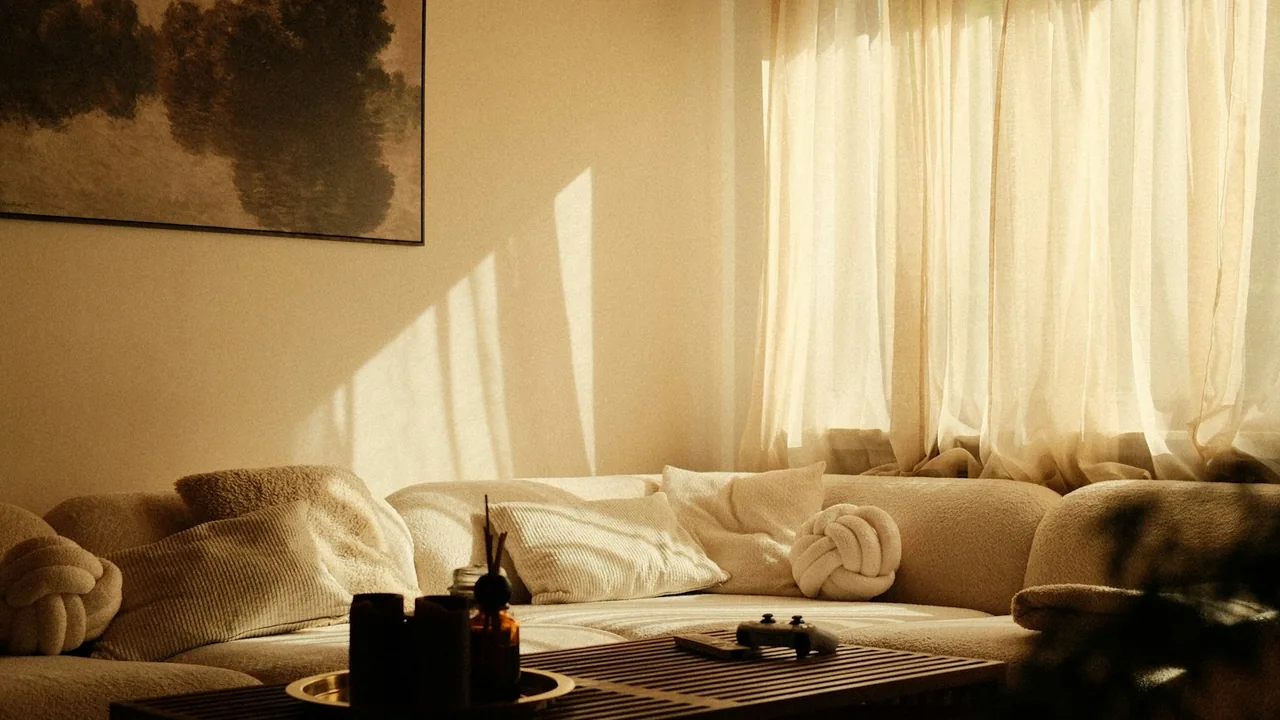
Preserve the plant and pot. Place them on a wooden shelf in a calm reading room, with warm window light from the left. Keep the pot fully visible and the room details soft.
A dramatic campaign concept
Preserve the bag's silhouette and visible fastenings. Place it on dark stone against a deep charcoal background. Add a restrained side light that separates the edges from the scene.
These are directions to try, not guarantees that a generative edit will preserve every pixel. For exact packaging or brand artwork, compare the source and output carefully.
How do you do the edit in Mianvo?
- Open Change Background, then choose from its available models.
- Upload the required image and review accepted formats and size limits in the upload field.
- Describe the new scene and the details that should remain. Select only the settings the model exposes.
- Review the quote and generate. Open the completed image in My Creations.
- Check it at normal size and close up. If the subject changed, simplify the scene request or use another available editing model.
What makes a replacement look unnatural?
Mismatched light: the subject has a strong highlight on one side, while the new scene suggests light from the other. Start by matching the new environment to the source lighting.
Floating placement: the object does not appear to touch its surface. Describe the surface and contact shadow instead of adding unrelated props.
Damaged edges: fine details blend into the background or gain a visible halo. Inspect those areas before upscaling, since a larger file is not proof of a cleaner edit.
Wrong perspective: the surface and subject appear to be viewed from different heights. Choose an environment with a camera angle close to the source image.
Frequently asked questions
Will the person or product stay completely unchanged?
That is the editing goal, but generative results can alter details. Check the face, shape, label and edges. Do not assume a visually pleasing edit is an exact preservation.
Can I animate the result afterward?
Yes, an edited image can be a starting asset for Frame to Video, subject to that model's input requirements. Finish the still image first, then use the motion prompt guide.
How do I plan a consistent product series?
Keep a short brief with the same surface, light direction and framing. The AI product photography guide includes examples and a product accuracy checklist.
