
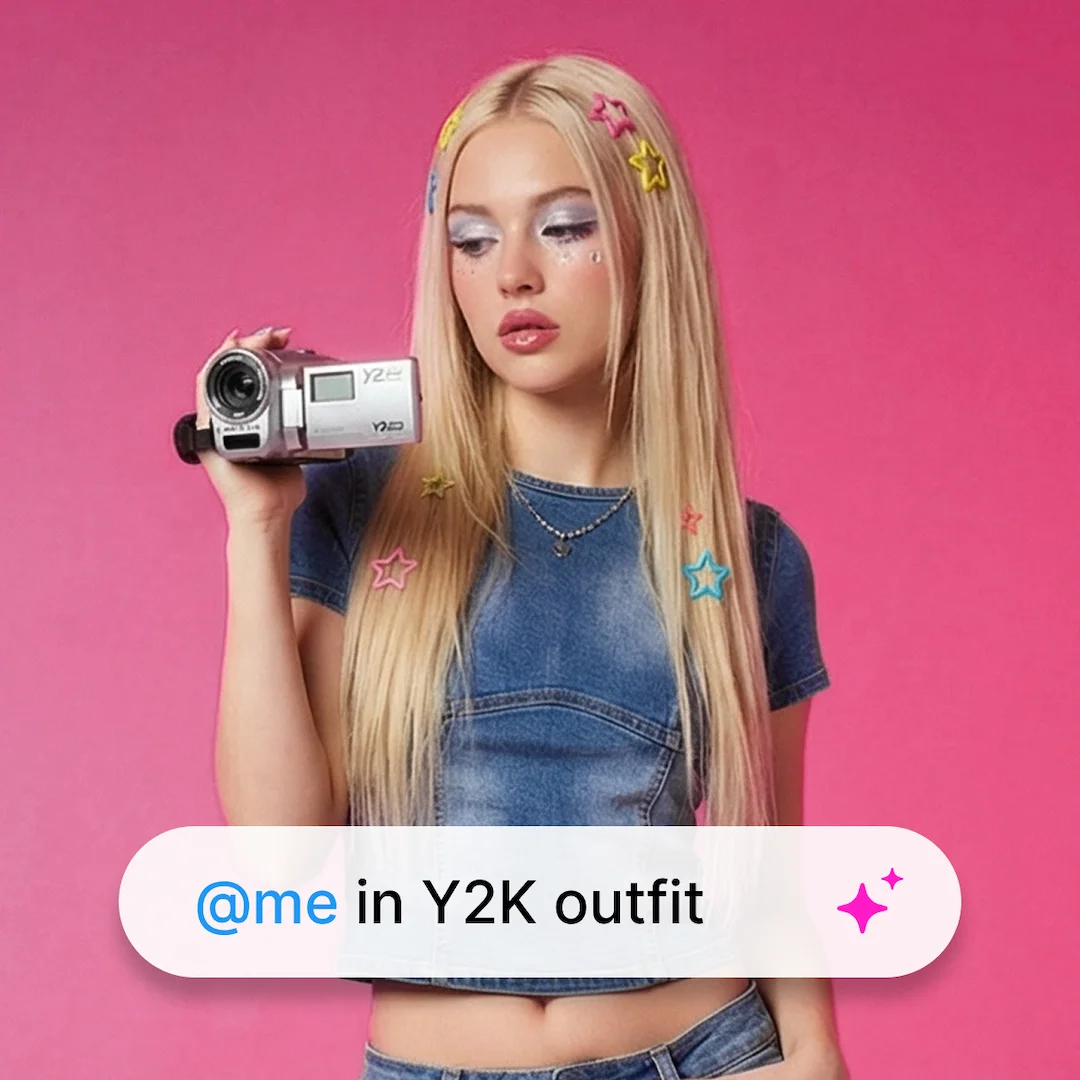
 Create Video
Create a video from your words.
Checking availability…Create VideoCreate a video from your words.
Checking availability…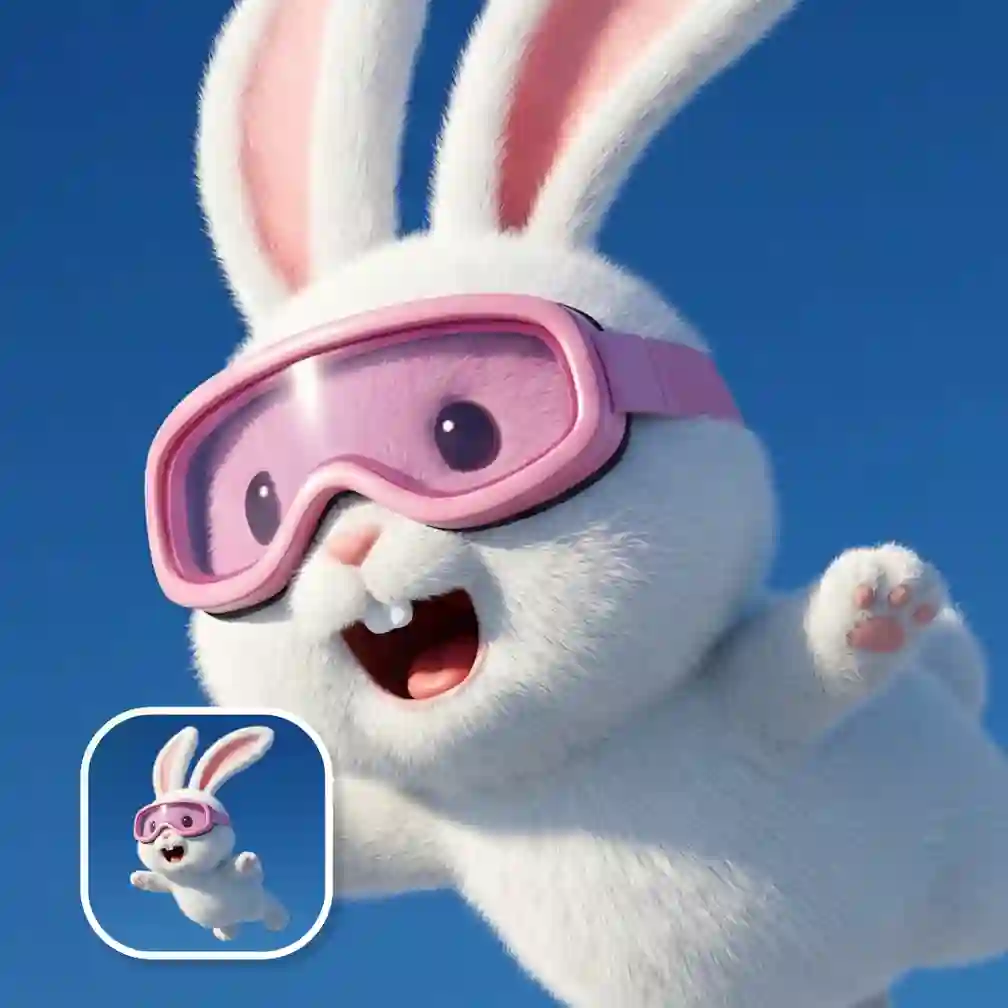 Frame to Video
Animate an image with supported frame controls.
Checking availability…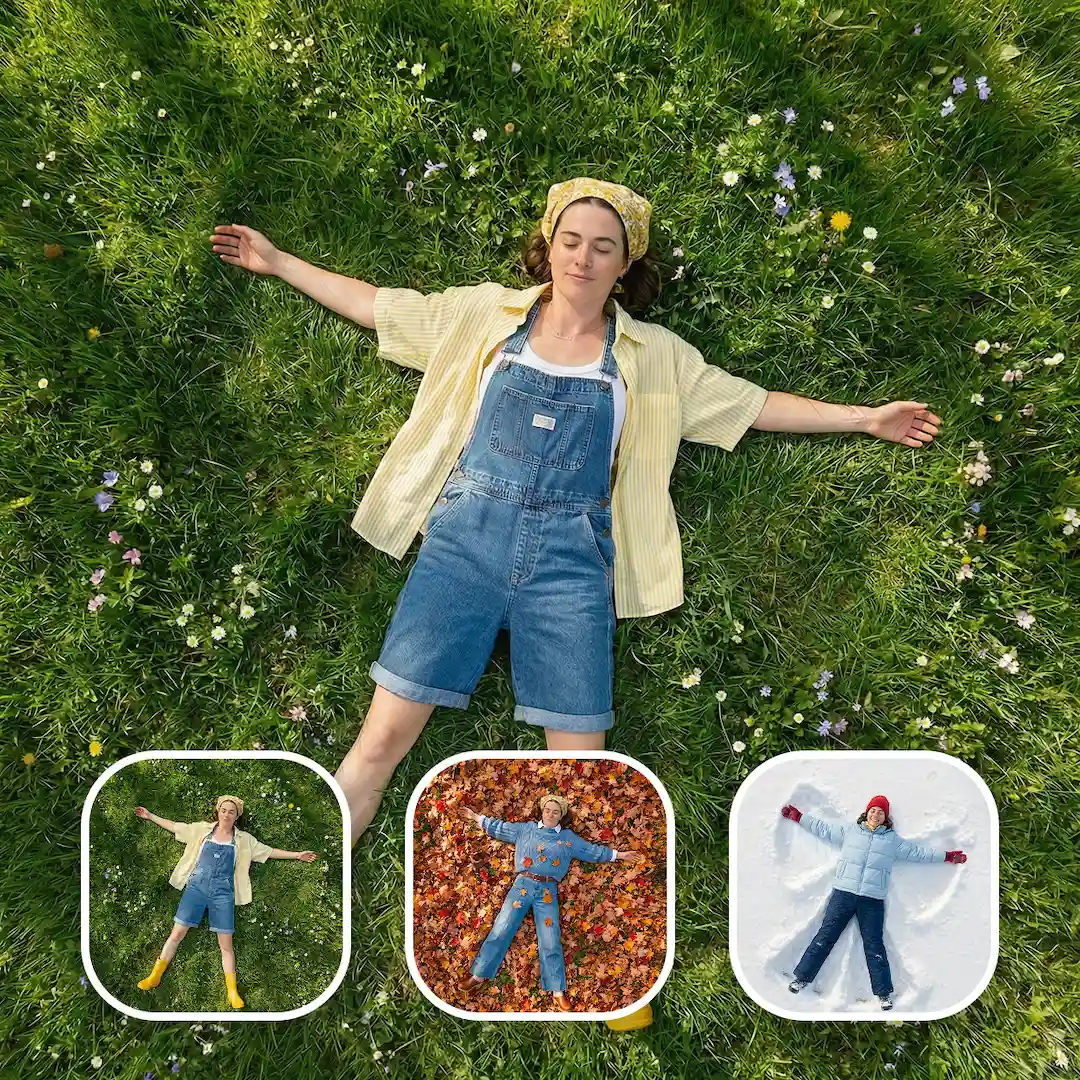 Edit Video
Transform an existing video.
Checking availability…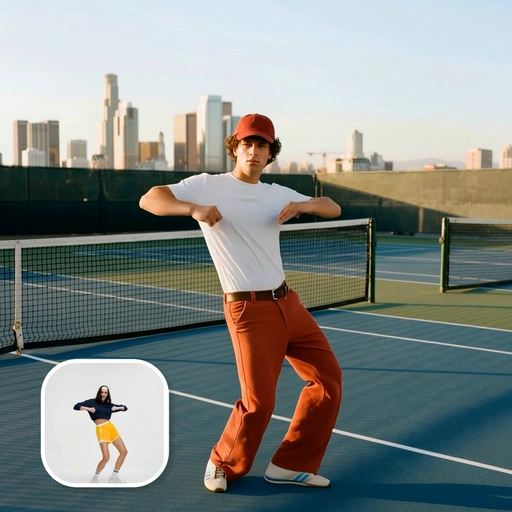 Motion Sync
Transfer reference motion to a character image. Standard 720p or Pro 1080p; video 3–30 seconds (up to 10 seconds with image orientation).
Checking availability…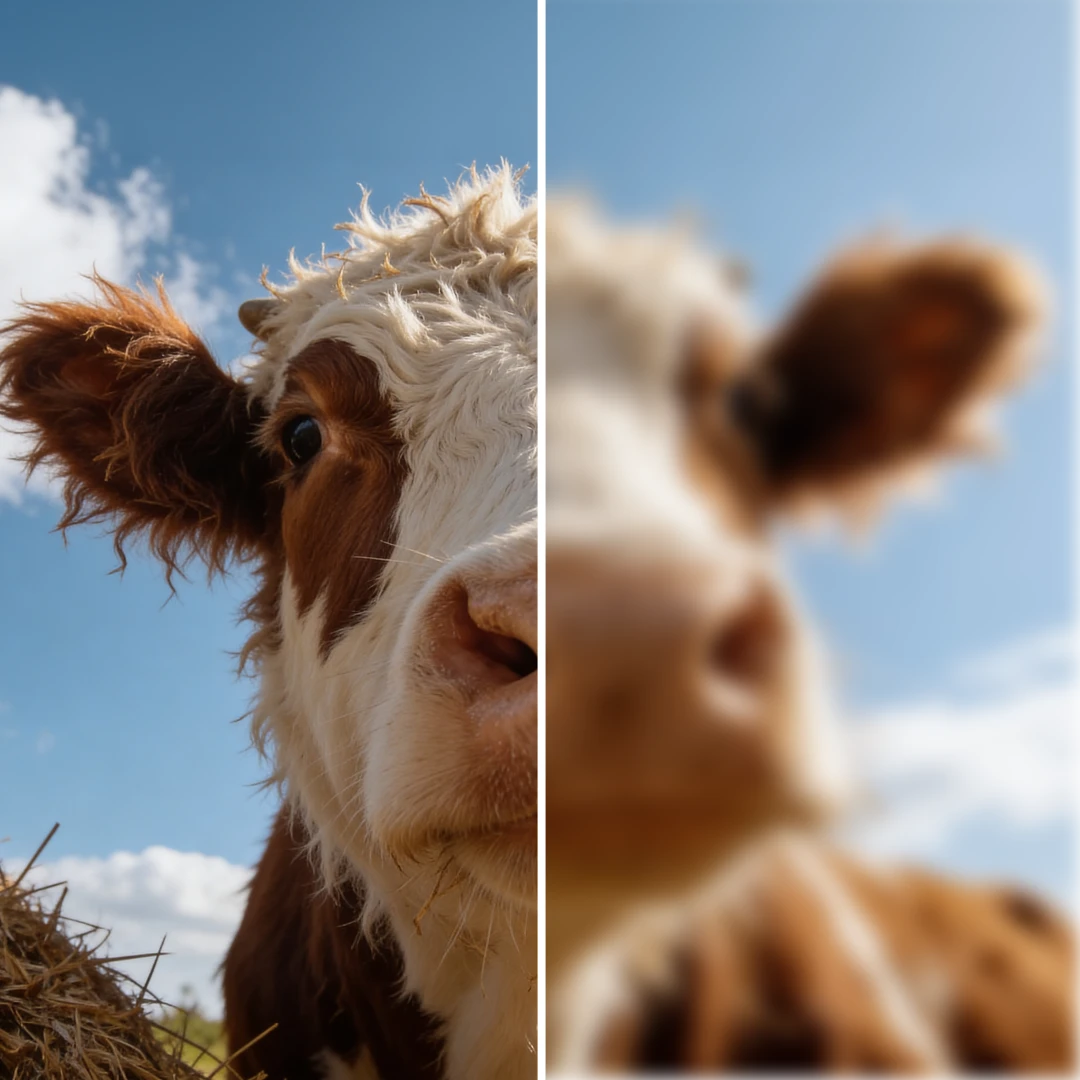 Upscale Video
Enhance an MP4 up to 30 seconds to 1080p, 2K or 4K at 24, 30 or 60 fps.
Checking availability…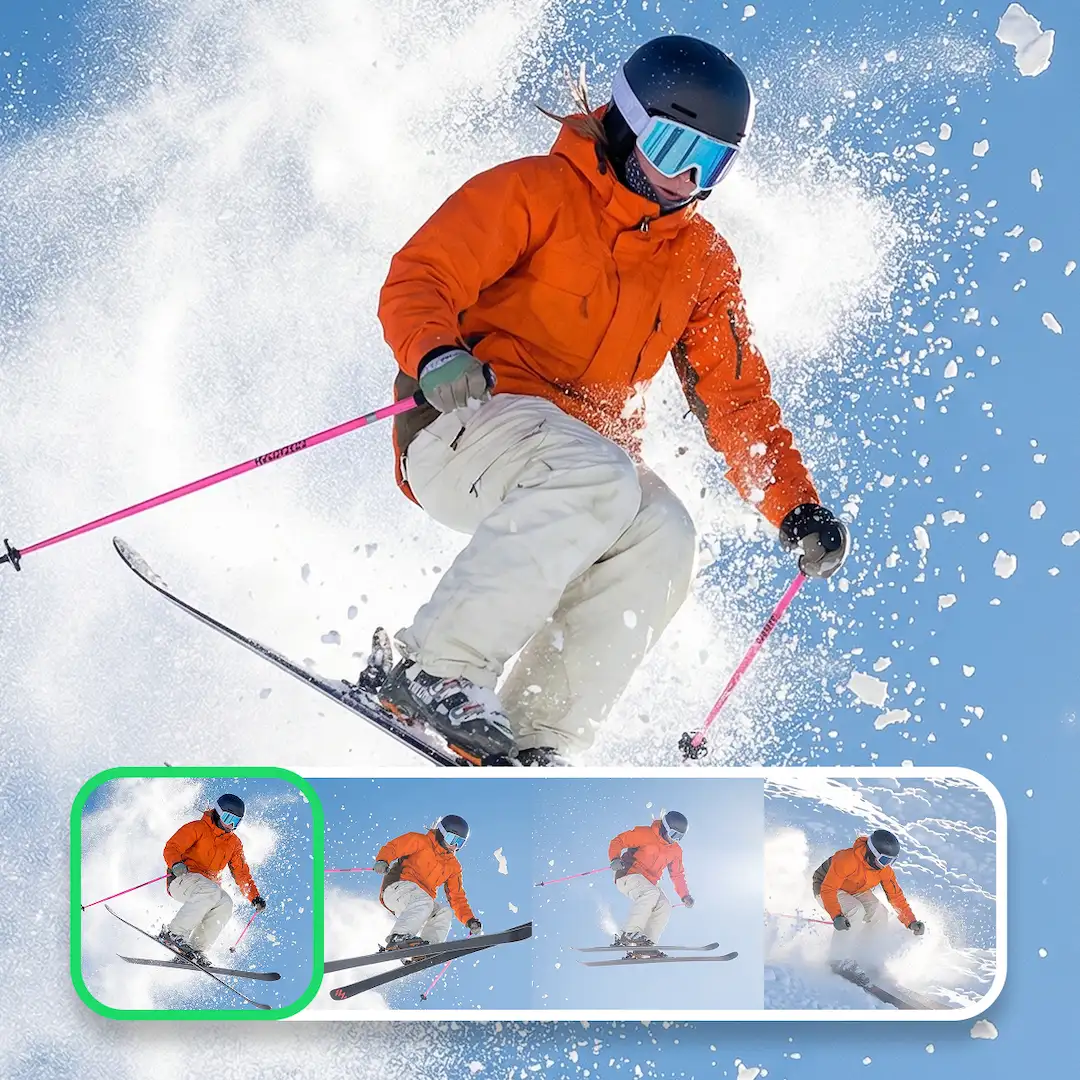 Extend Video
Extend a video by 1–15 seconds at 360p–1080p, with optional generated audio. Input: one MP4 up to 10 MiB, 3.000–3.050 seconds, 24 fps, sides 720–1280 pixels.
Checking availability…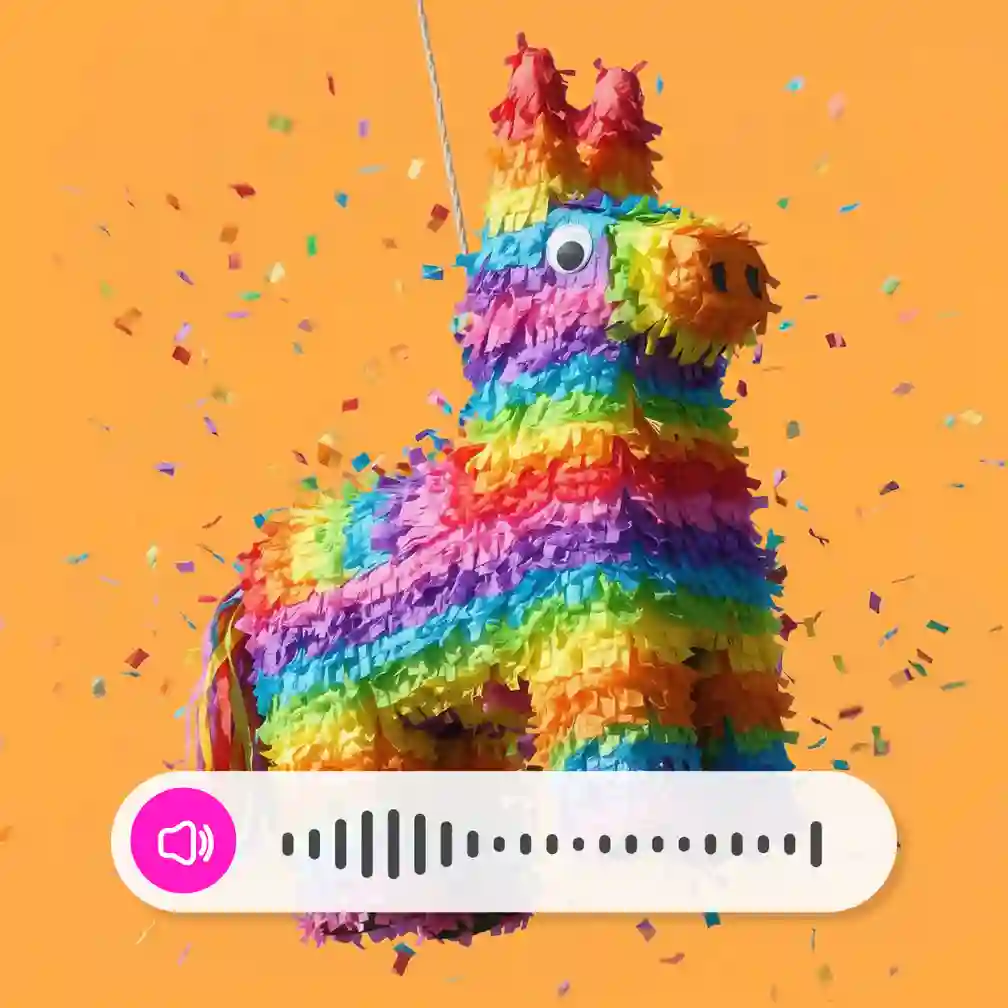 Add Sound Effect
Generate synchronized sound for a 1–30 second MP4. Describe the sounds you want.
Checking availability…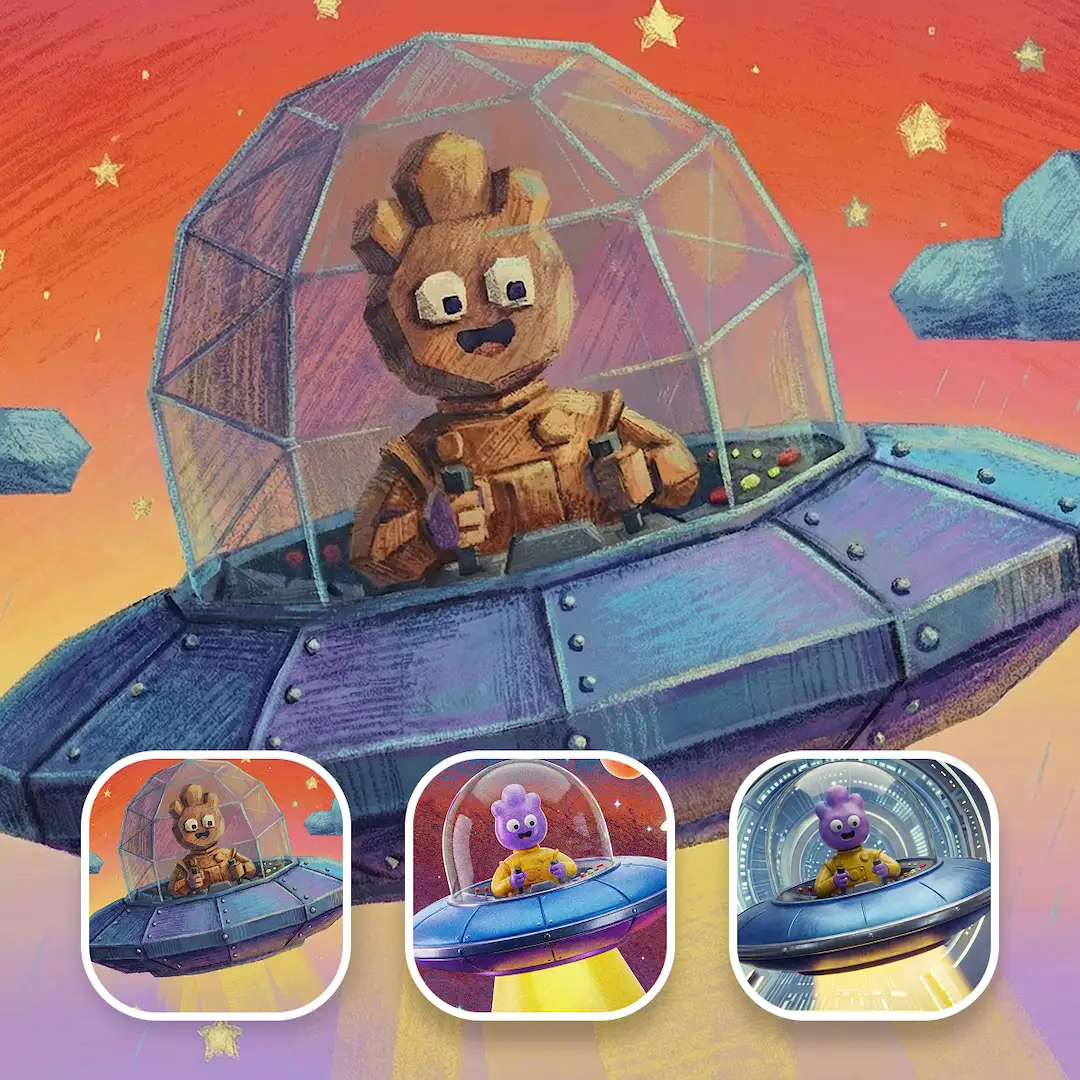 Restyle Video
Restyle one MP4 up to 10 MiB, 3.000–3.050 seconds, 24 fps, with sides 720–1280 pixels. Gemini Omni is preferred by estimated cost.
Checking availability… First and Last Frame
Animate between two PNG frames, each up to 10 MiB. Choose 1–15 seconds, 360p–1080p and optional generated audio.
Checking availability…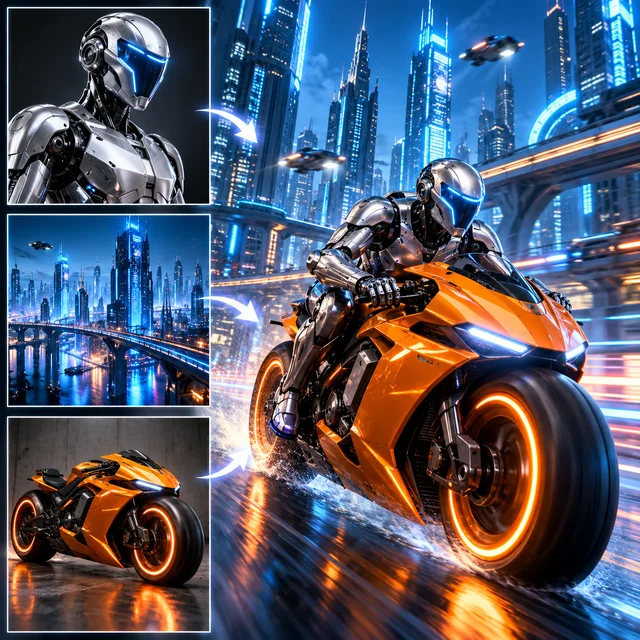 Reference to Video
Combine reference assets to guide your video.
Checking availability…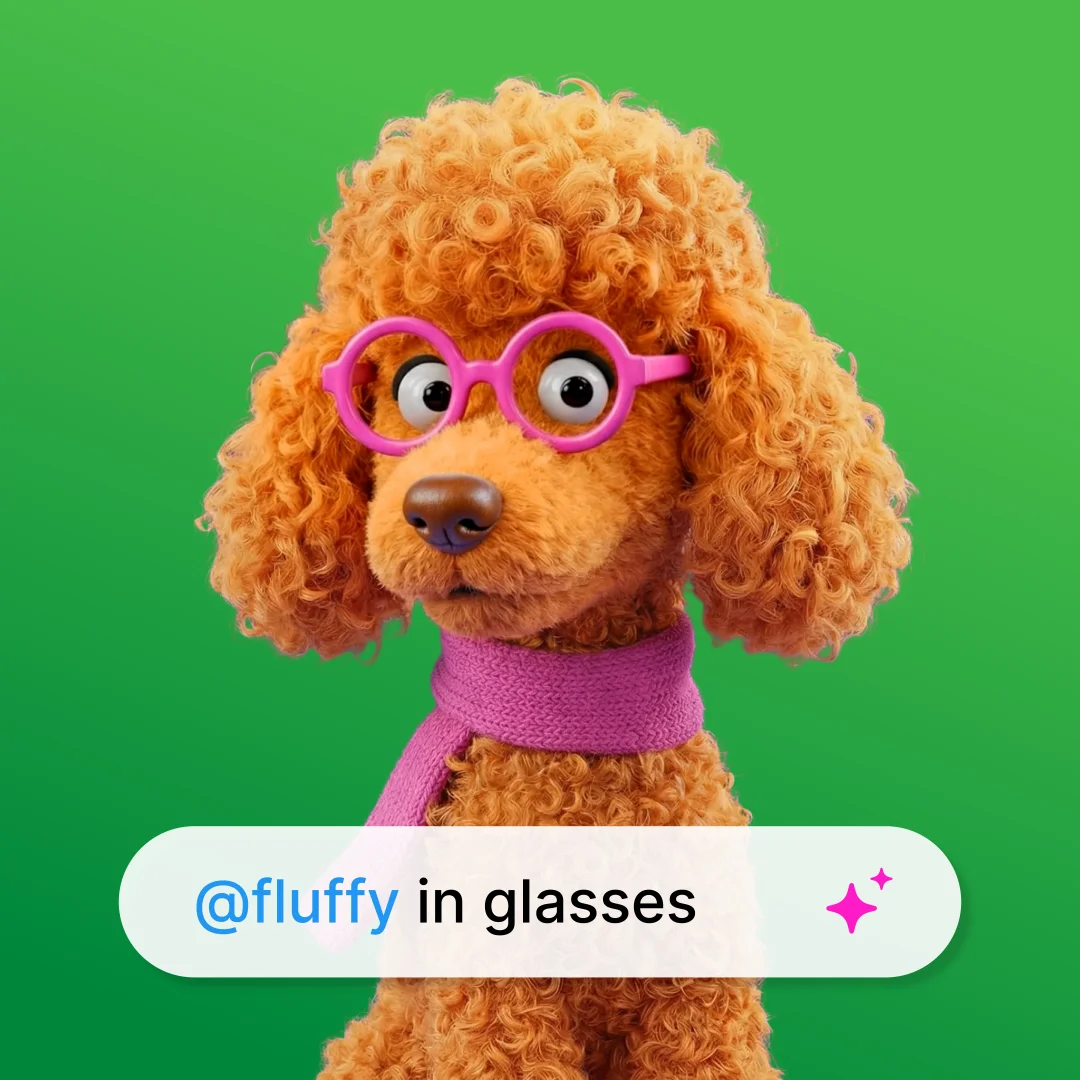 Create Image
Create images from text and supported visual references.
Checking availability…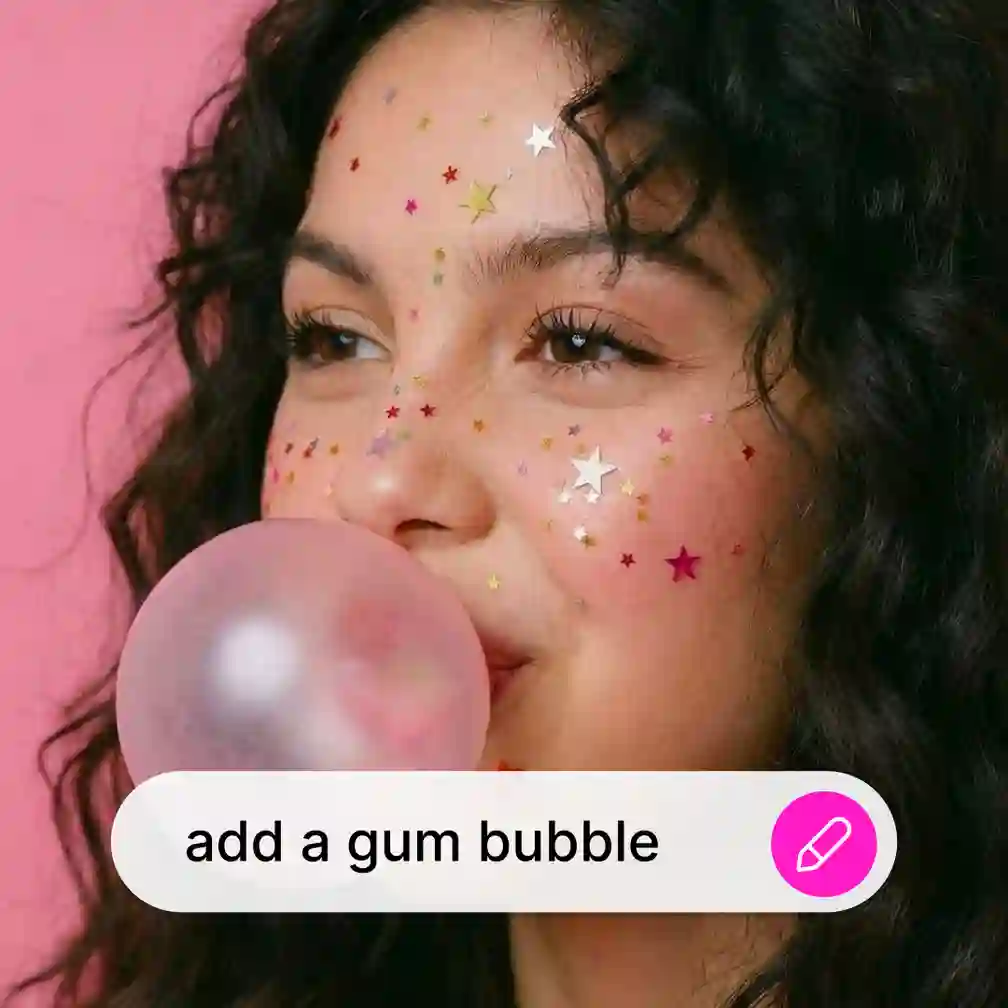 Edit Image
Edit an image using a prompt and supported reference inputs.
Checking availability…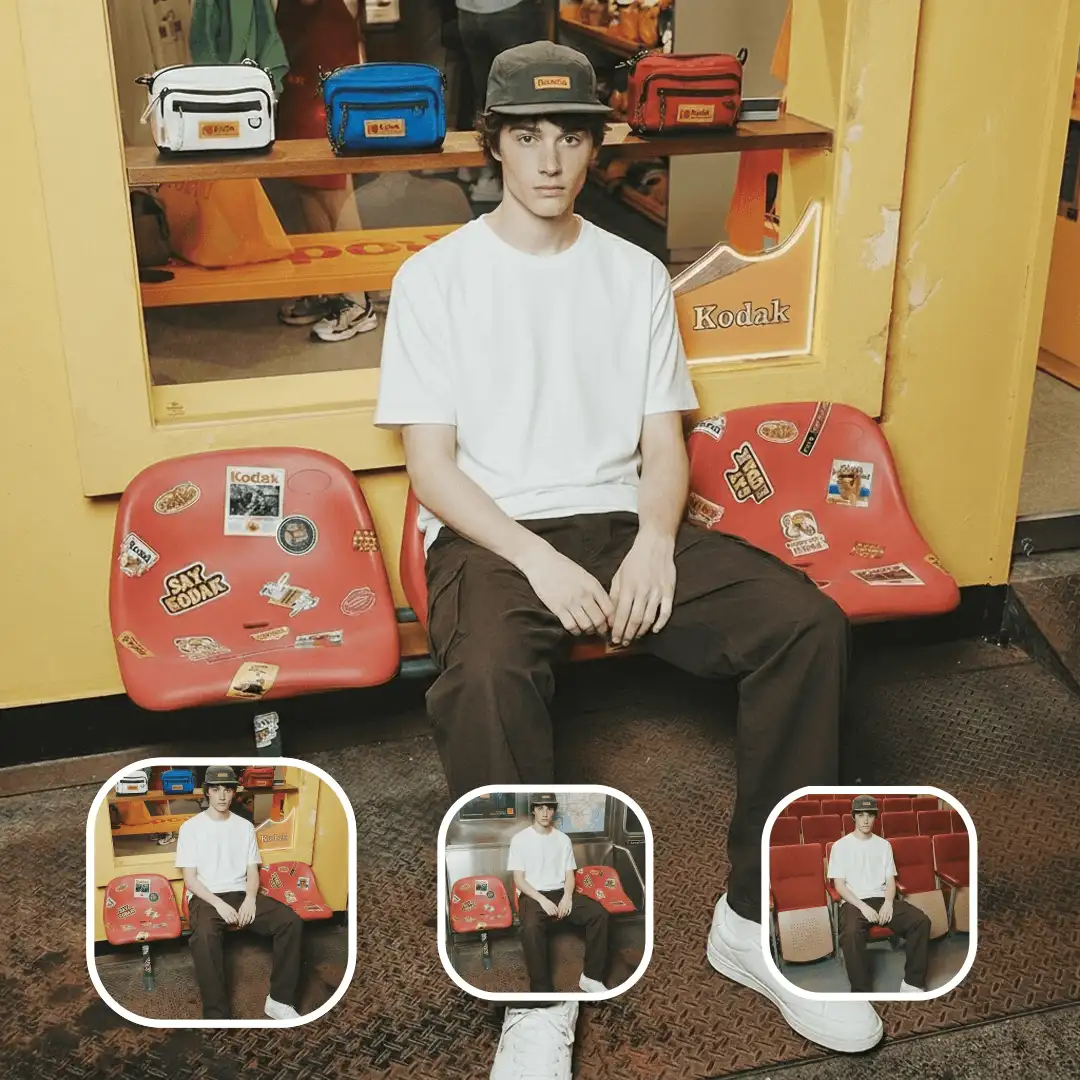 Image Variations
Explore a generative variation of your image; details may change. Upload one PNG up to 10 MiB. Choose 1K or 2K output and an aspect ratio.
Checking availability…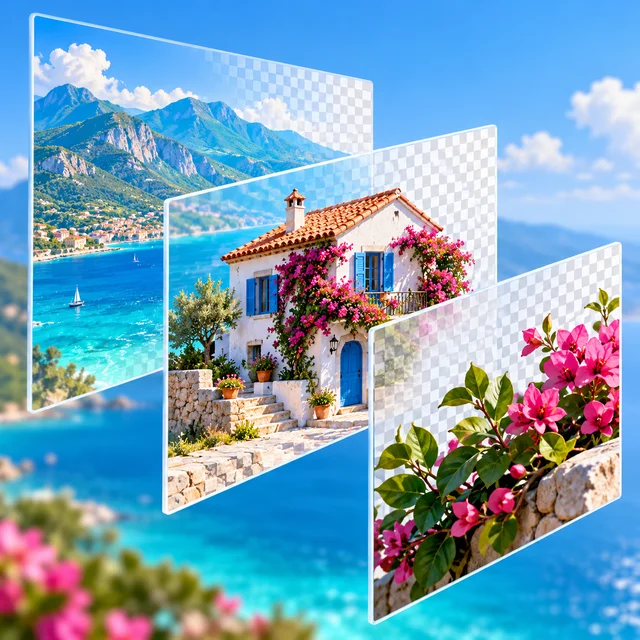 Extract Layers
Separate one image into four PNG layers. Upload one PNG, JPG or WebP up to 5 MB and 256–1024 pixels per side. Download each layer individually.
Checking availability…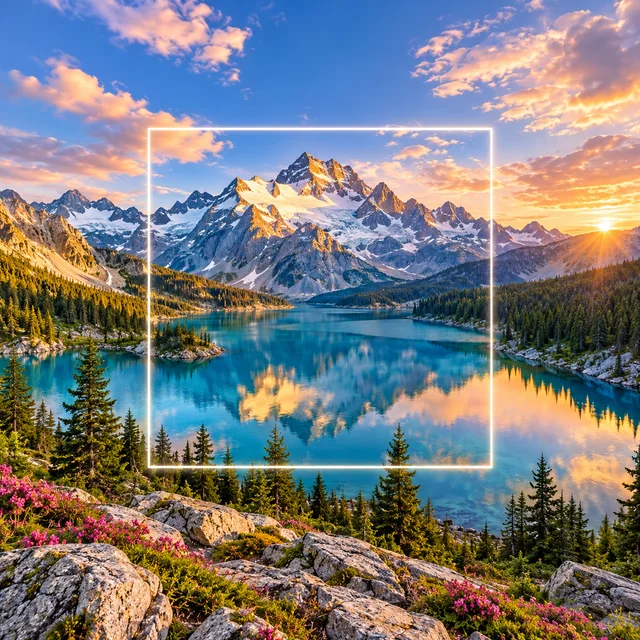 Expand Image
Expand the canvas with up to 256 pixels on each edge. Upload one PNG, JPG or WebP up to 5 MB and 256–1024 pixels per side.
Checking availability… Image Upscale
Enhance image clarity with Recraft Crisp Upscale. Upload one PNG, JPG or WebP up to 10 MB, with each side 256–2048 pixels. Output dimensions depend on the model.
Checking availability… Change Background
Describe a new background. Generative editing may also change subject details. Upload one PNG up to 10 MiB. Choose 1K or 2K output and an aspect ratio.
Checking availability…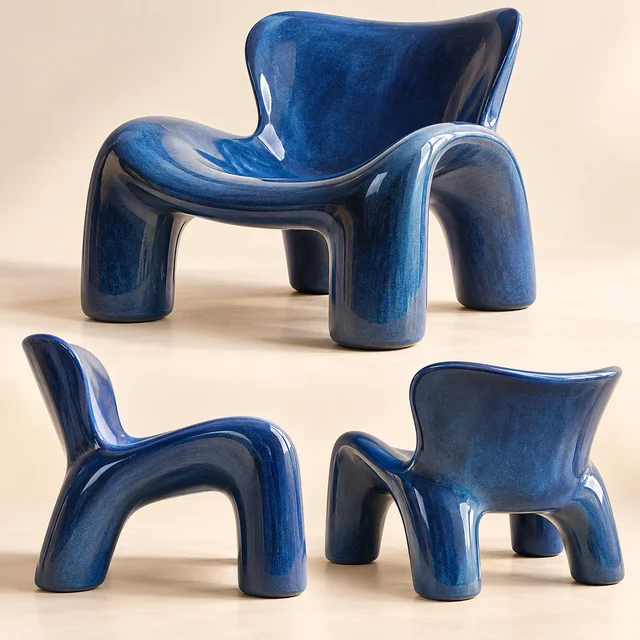 Camera Angles
Rotate, tilt or move the virtual camera around one image. Upload one PNG, JPG or WebP up to 5 MB and 256–1024 pixels per side. This generates a new view, not a 3D file.
Checking availability…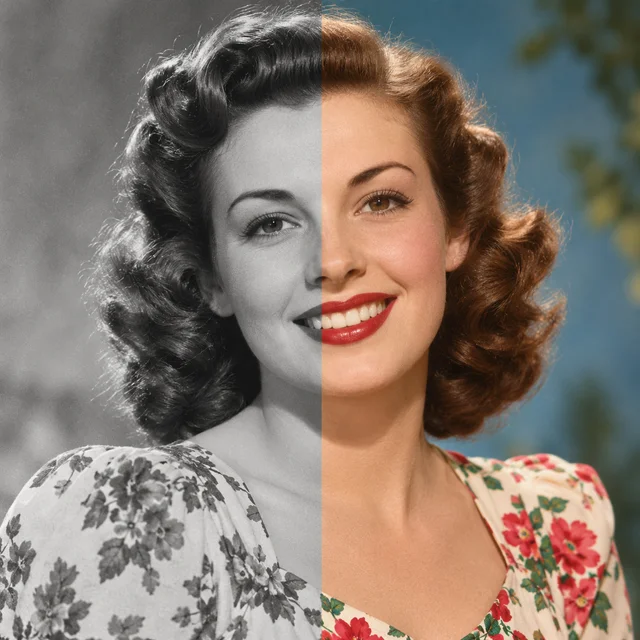 Colorize Photo
Add plausible colors to a black-and-white photo. Original colors cannot be recovered. Upload one PNG up to 10 MiB. Choose 1K or 2K output and an aspect ratio.
Checking availability… Relight Image
Change the lighting of a photo through generative editing. Upload one PNG up to 10 MiB. Choose 1K or 2K output and an aspect ratio.
Checking availability…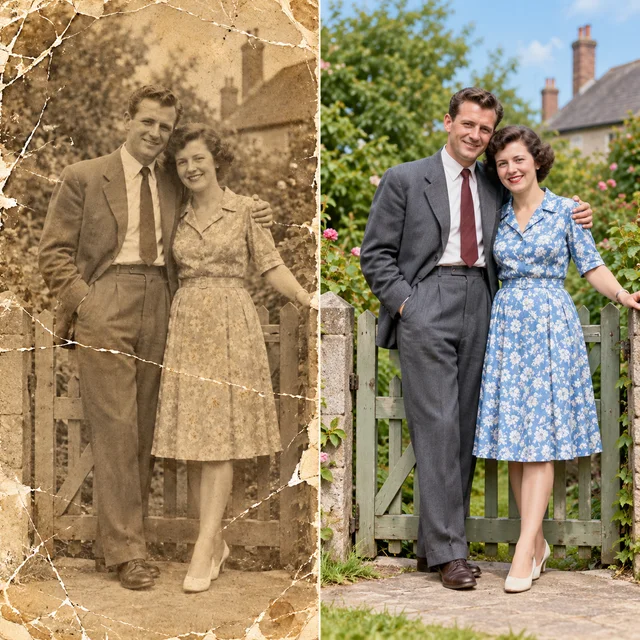 Restore Old Photo
Reduce visible damage with generative editing. Fine details may be reconstructed. Upload one PNG up to 10 MiB. Choose 1K or 2K output and an aspect ratio.
Checking availability…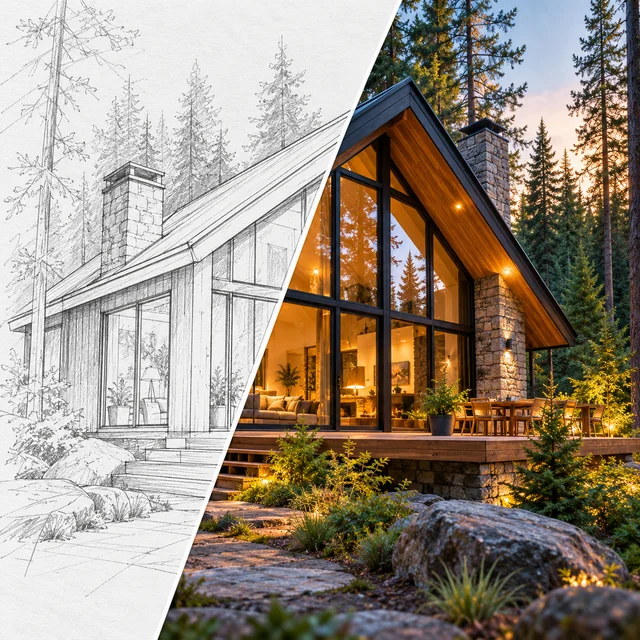 Sketch to Image
Turn your sketch into a rendered image while using it as a visual reference. Upload one PNG up to 10 MiB. Choose 1K or 2K output and an aspect ratio.
Checking availability…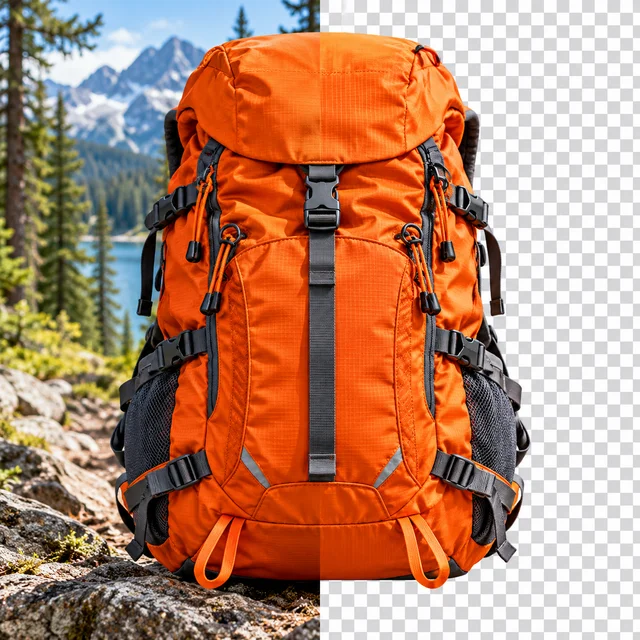 Remove Background
Remove the background to isolate your subject. Upload one PNG, JPG or WebP up to 5 MB, with each side 256–4000 pixels.
Checking availability…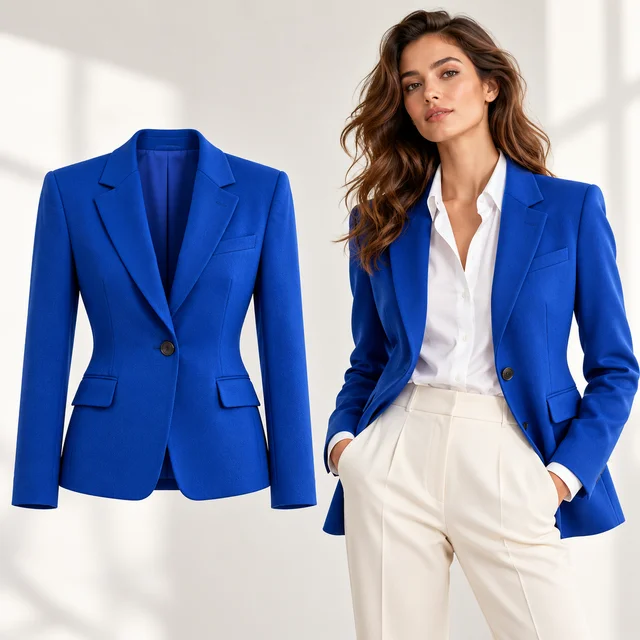 Virtual Try-On
Upload a person and a garment image to preview a new outfit. Each PNG, JPG or WebP may be up to 5 MB and 256–2048 pixels per side.
Checking availability… Create Music
Describe music and use the lyrics, instrumental controls and references supported by your model.
Checking availability… Create Instrumental
Describe an instrumental track and choose the controls supported by your model.
Checking availability… Sound Effects
Describe a sound and generate a five-second MP3. Optionally make it loop smoothly.
Checking availability… Text to Speech
Turn up to 500 characters into MP3 speech. Choose a preset English or Chinese voice.
Checking availability…