A Snowman Bestie picture makes a good pair of chat icons. Give one person the human half and a friend the sunglasses half. The easiest way to get matching light, snowfall and scarf colours is to crop one finished photo twice. Here’s what we got from one AI-created portrait.
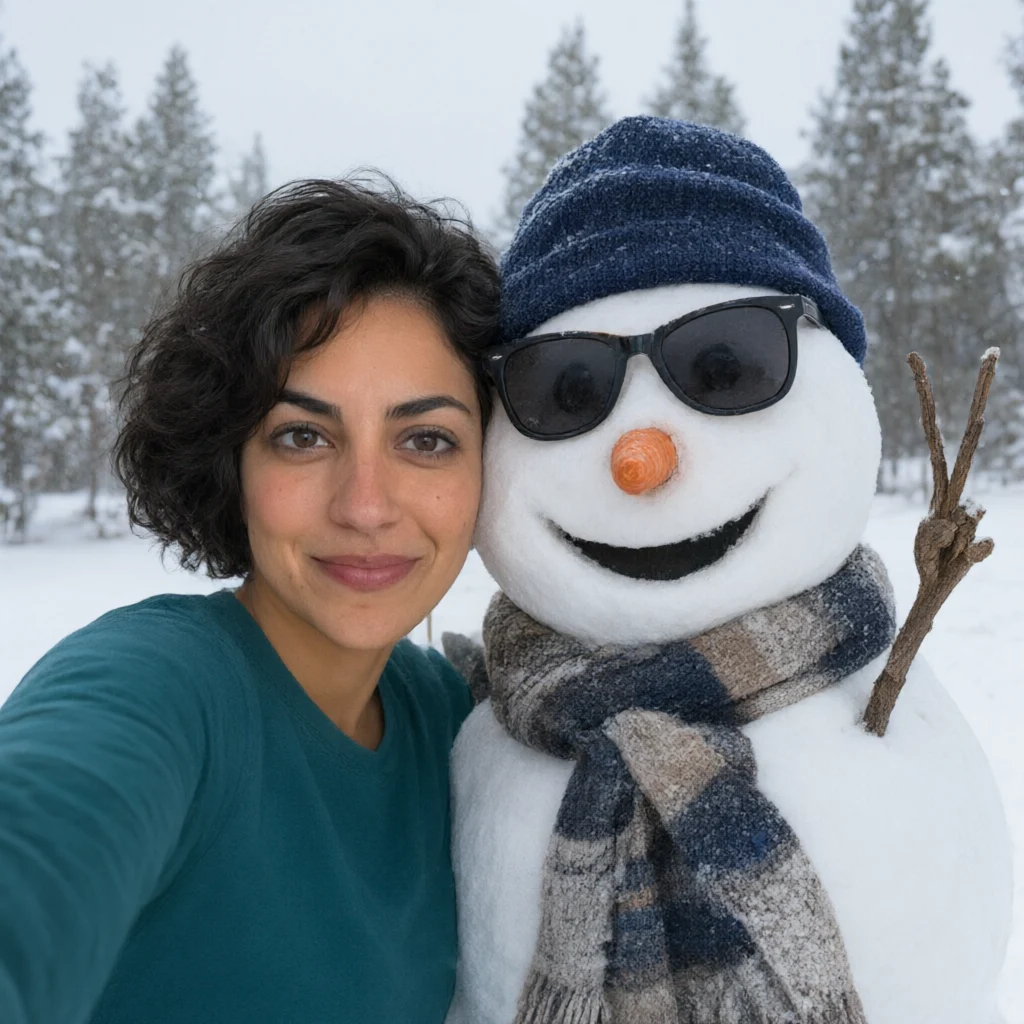
Our sample started with the Snowman Bestie AI Photo template and came back as a 1,024-pixel square. Compare the selfie with the portrait we uploaded. You can recognise her short dark curls and teal shirt in both. The snowman’s twig peace sign reaches toward the right edge of the selfie. For the trend reference, see @stefanielea31’s TikTok post.
Where to put the two circles
| The portrait | The snowman |
|---|---|
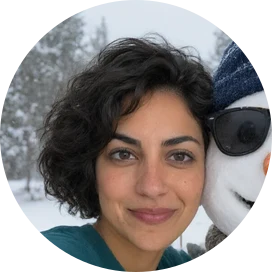 | 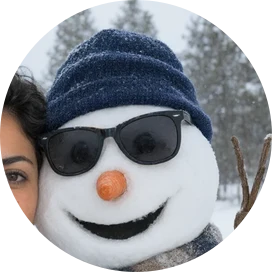 |
We used a 600 × 600 selection twice on the full-size image. For the left icon we centred the crop on the woman’s face and left a little white snowman cheek along its right edge. For the other icon we moved the square right and slightly higher to make room for the navy hat. Cutting the picture straight down the middle would have left less room around both heads.
Check the pair at message size
Shrink the previews until they’re about as big as an avatar beside a text message. In this pair the dark curls and the wide black glasses are still easy to tell apart. Each picture also carries a little of its neighbour. The raised twig is fun in the full selfie but it sits outside the tighter snowman portrait. If the peace sign is the part your friend likes best, send the full square along with the two icons.