
Snowman Bestie AI Photo
Make a Snowman Bestie AI photo from one portrait. Give your snowman sunglasses, a knit hat and a twig peace sign in a square winter selfie.
- 1 portrait
- 1 square photo
- 1K PNG
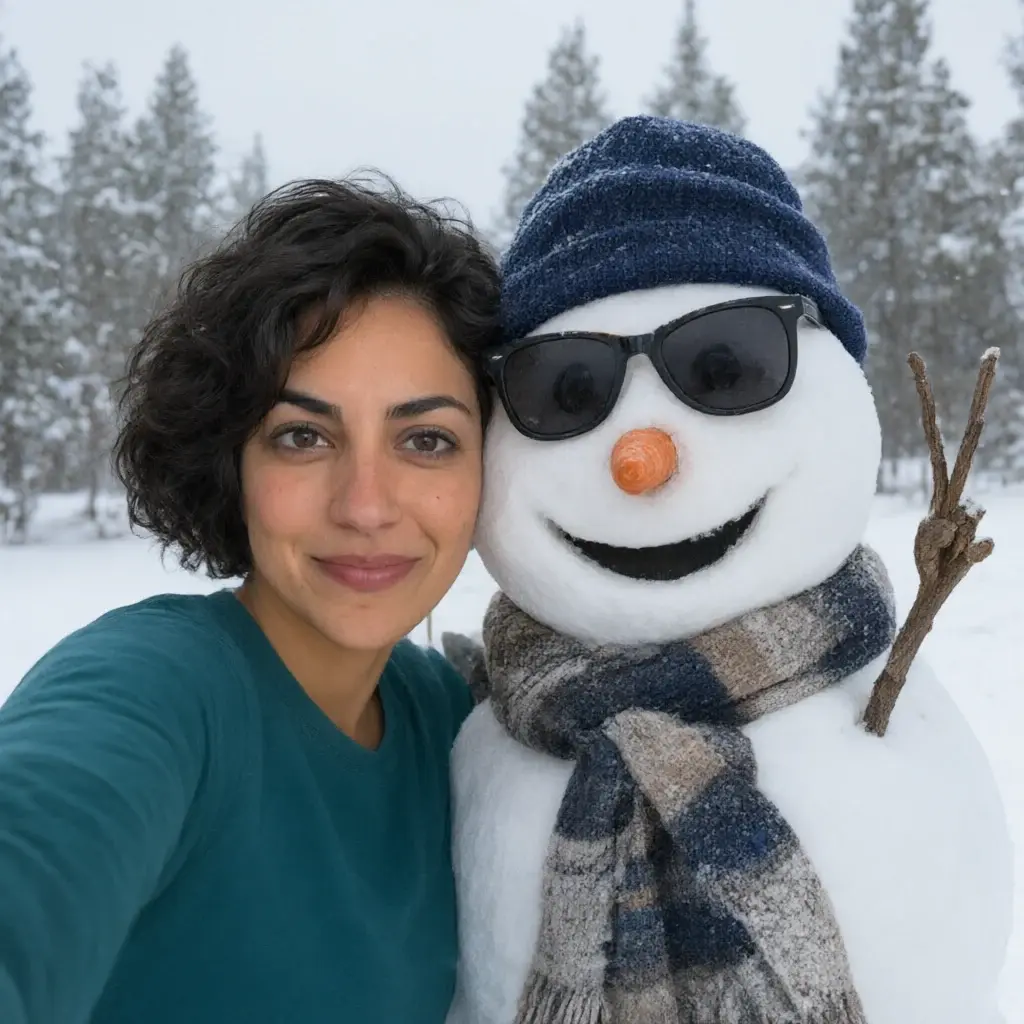
What gives a Snowman Bestie selfie its expression?
The joke works when the snowman looks like the friend who pulled you into the picture. The phone is close, the two cheeks meet and both faces turn toward the same lens. This preset builds the winter setting around a single portrait and delivers a still image you can save or send.
Which photo works for the two-face selfie?
Choose a head-and-shoulders picture taken close to eye level. The model can place the snowman beside you even when the background of your input is busy. What helps most is a clear outline of the cheek that will touch the snowman. Watch for a raised hand, scarf or hair covering that edge. Outdoor clothes and real snow are optional.
The Snowman Bestie photo prompt
Your photo supplies the human face. The prompt places it next to one snowman and assigns the beanie, sunglasses and scarf to the snowman. Both look into the same lens so the picture feels like one selfie.
Edit the uploaded portrait into a candid, photorealistic winter phone selfie of the same person with a cheerful snowman. Keep the person's face, skin tone, hairstyle and expression recognisable. Place the person on the left and one slightly larger round snowman on the right, cheeks touching near the centre, both looking into the phone lens. The snowman wears a navy knit beanie, dark sunglasses and a striped wool scarf. Give it a short carrot nose, an open grin and one twig arm raised in a peace sign near the outside edge. Keep the person's eyes visible and the two faces distinct. Include the scarf and the hat in a square head-and-shoulders composition. Soft overcast winter daylight, falling snow, distant pine trees. No lettering, logos, frames or other people.
Give the snowman your scarf colour
Try changing “a striped wool scarf” to “a red-and-cream striped scarf on the snowman.” Keeping the owner of the scarf in the sentence matters when two necks are so close together.
How to use this photo template
- 01
Upload your image
Upload a portrait with both eyes visible and a little space around the hair.
- 02
Review credits & generate
Review the prompt and the price shown on the generator, then generate the image.
- 03
Review & download
Open the finished picture and save the full square before cropping a copy for your profile.
Frequently asked questions
Do I need a photo of a snowman?
One portrait is enough. The preset adds the snowman and winter background around the person in that photo.
What will I download?
The preset requests one 1K square PNG. It is a still selfie you can post on its own or crop into a profile picture.
Can I make it with a picture of a friend?
Use your own photo or one the person gave you permission to edit and share. If you plan to post the finished image, check that their permission covers that use.
Why do the glasses end up on the wrong face?
If you want your own eyes visible, choose a picture that shows them clearly. In the prompt, attach the dark glasses to the snowman explicitly. Check both faces before saving your favourite version.
Keep creating
View all templates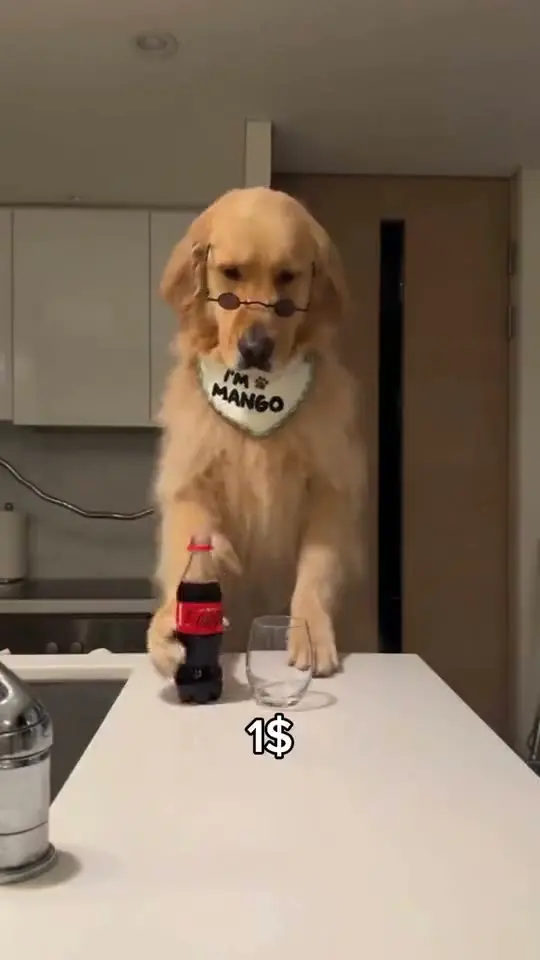
Pet Bartender AI Video Generator
Give your dog or cat a tiny bartender moment.
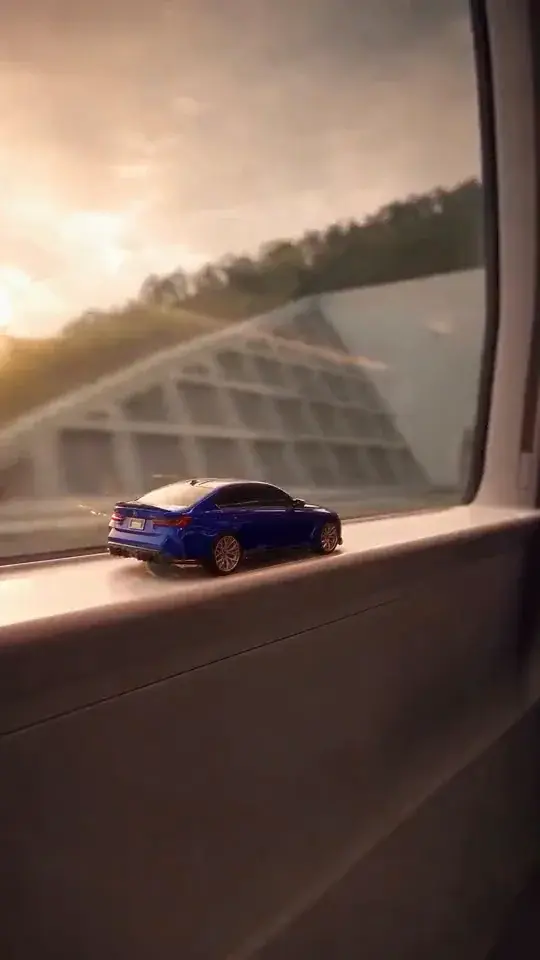
Toy Car to Real Car AI Video Generator
Turn a miniature on a train windowsill into a road reveal.
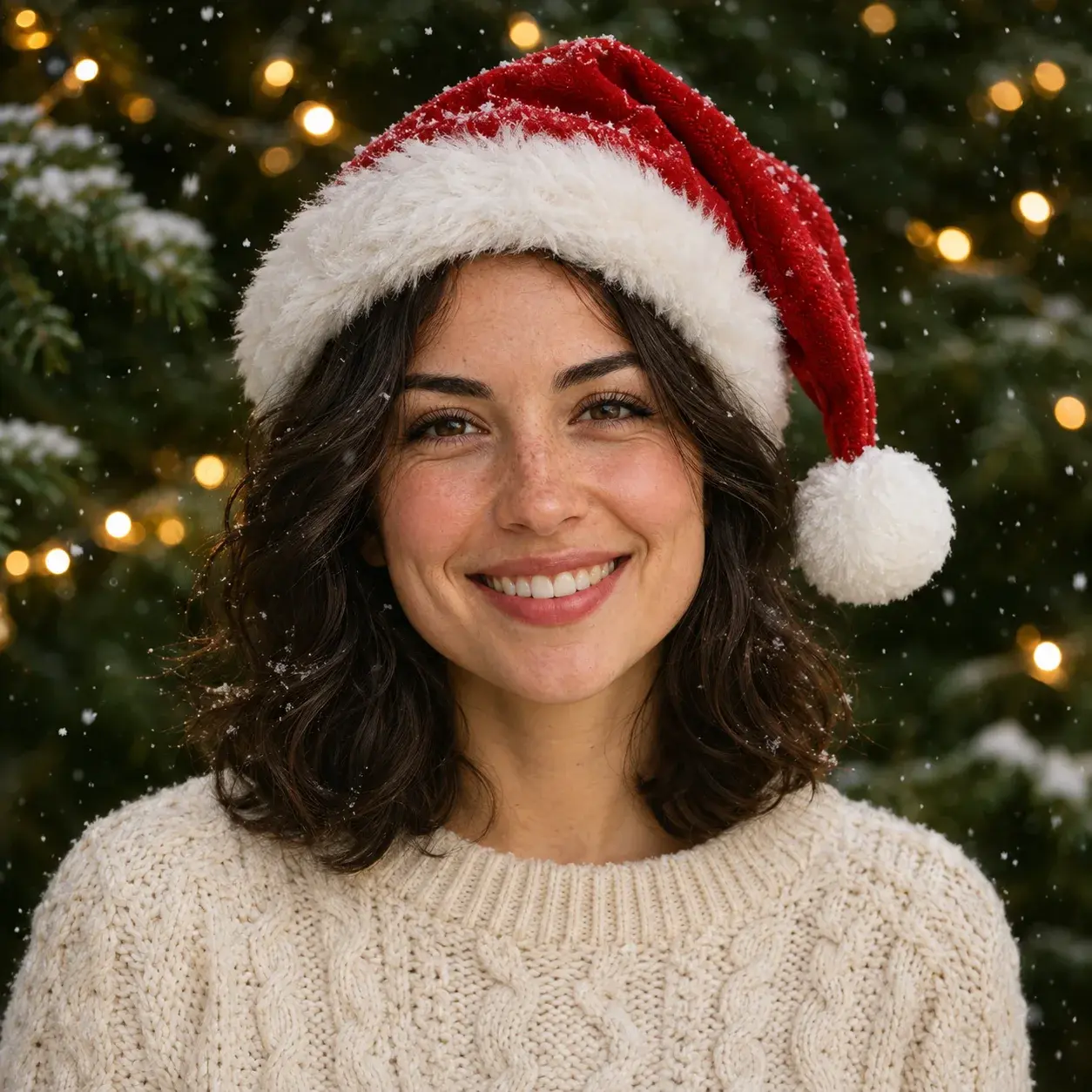
Christmas PFP AI Generator
Make a cozy Santa-hat profile picture from your own photo.
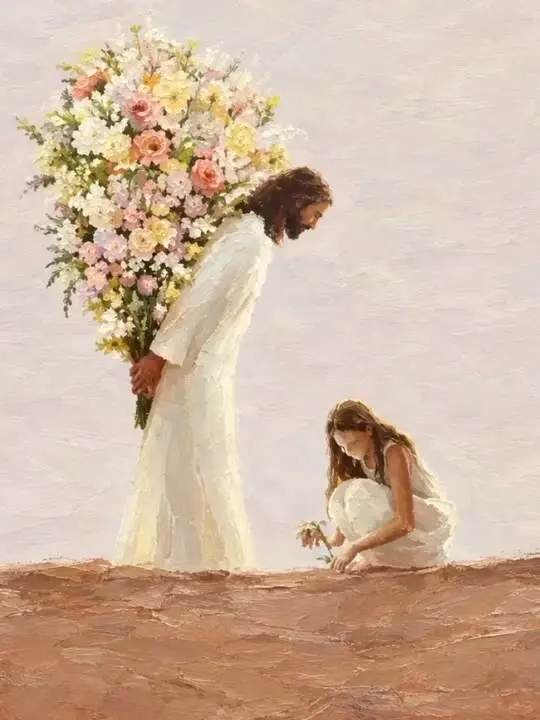
My Moon My Man AI Painting
Your portrait in the hidden-bouquet oil painting.
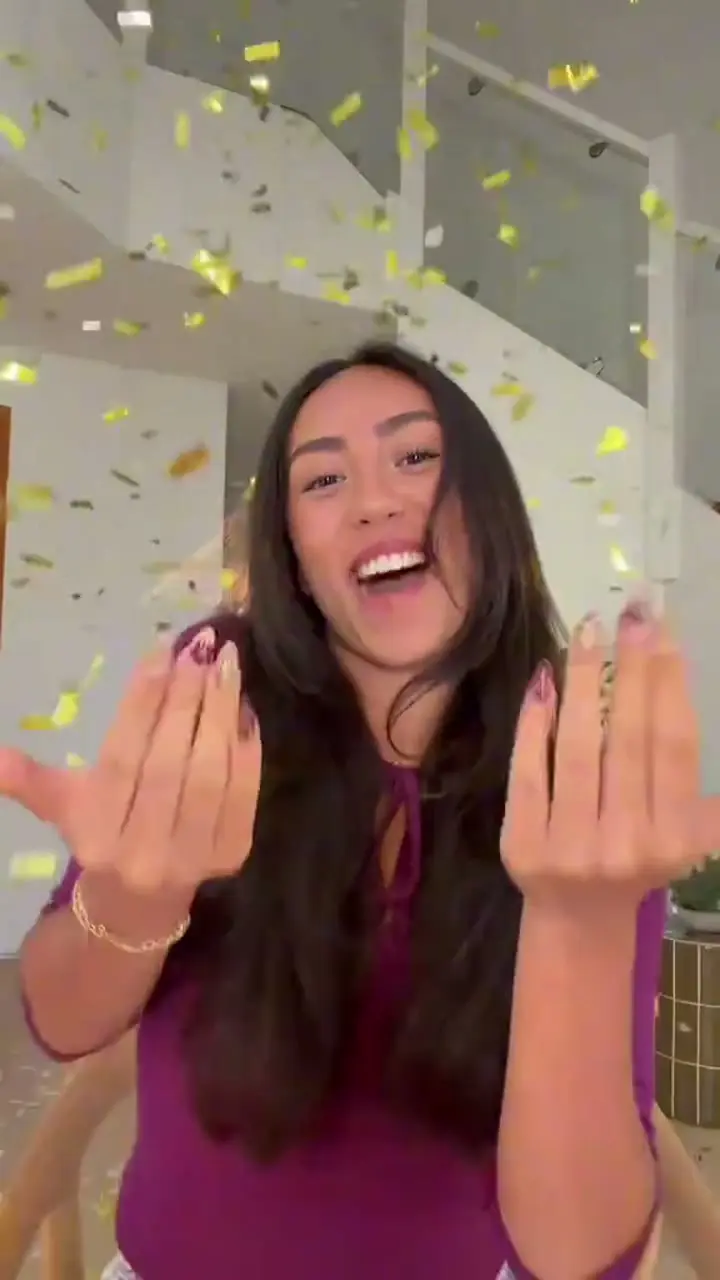
Boom Clap Confetti AI Video Generator
Hit the beat, flinch at the silver confetti, and laugh through the second burst.
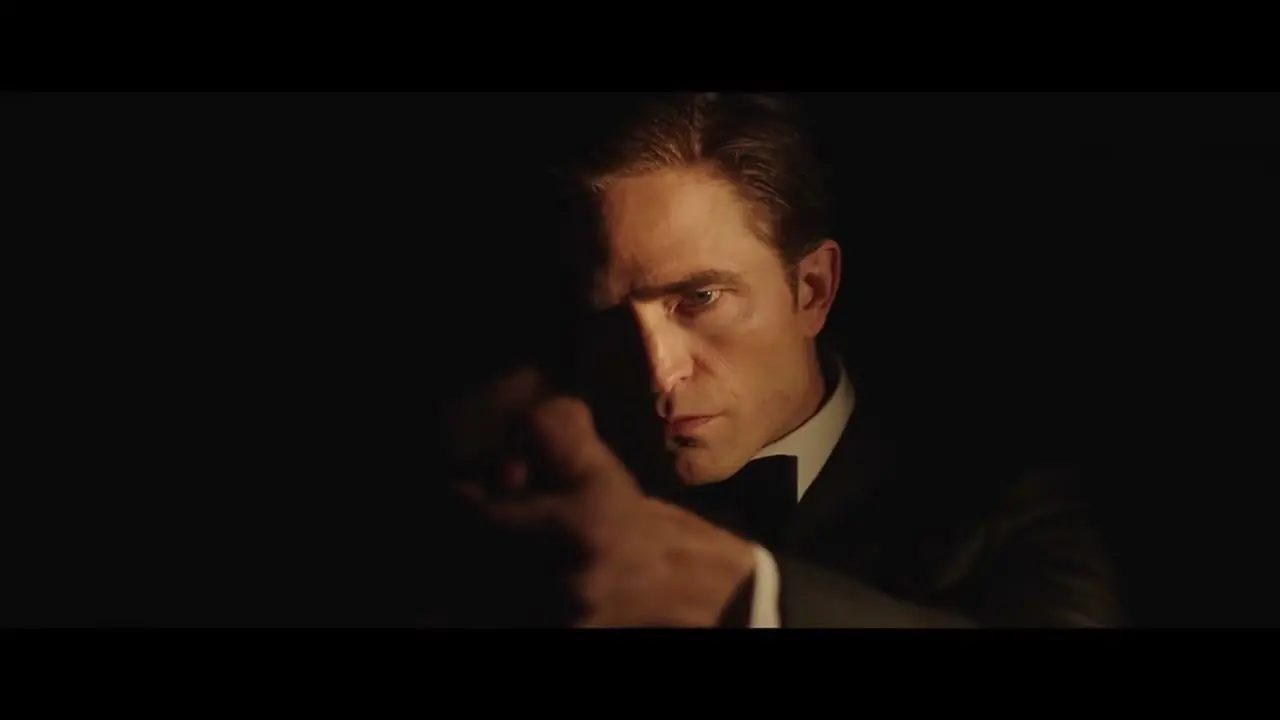
James Bond Reveal AI Video Generator
Let a narrow beam of light reveal your face in a black tuxedo.
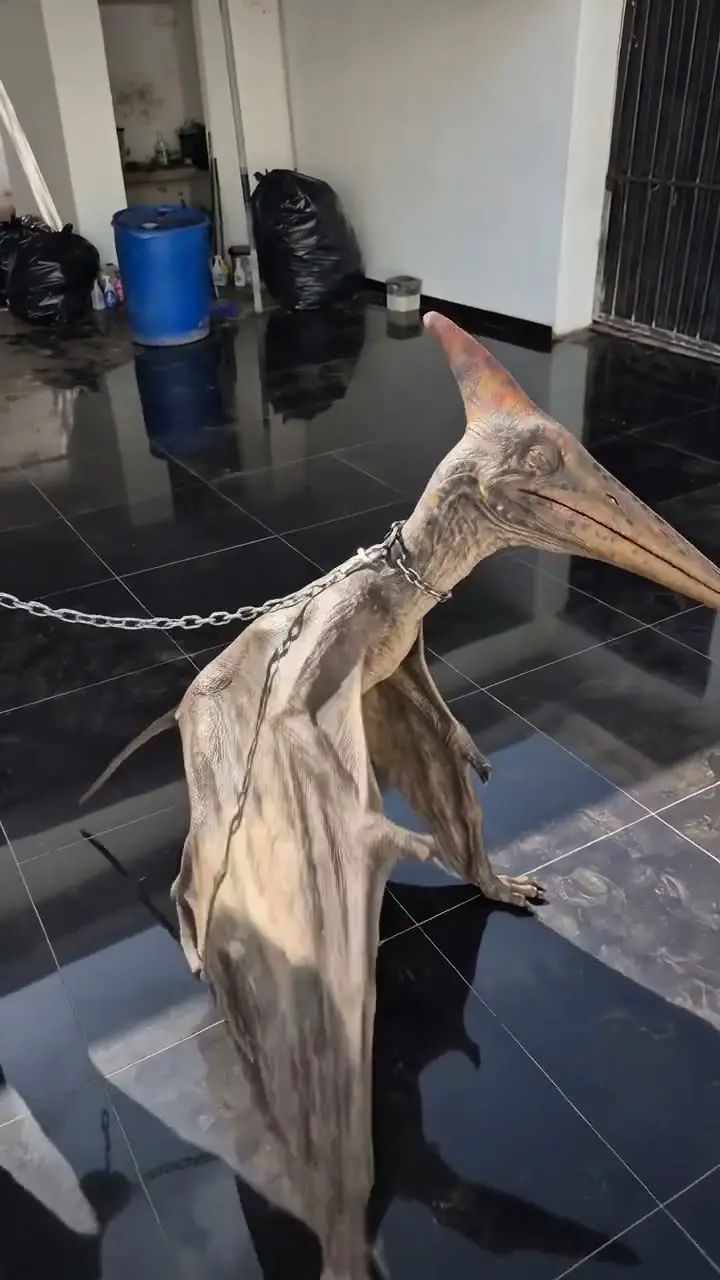
Mexico Pterodactyl AI Video Generator
Take a big, crested pterosaur for a surprisingly ordinary walk.
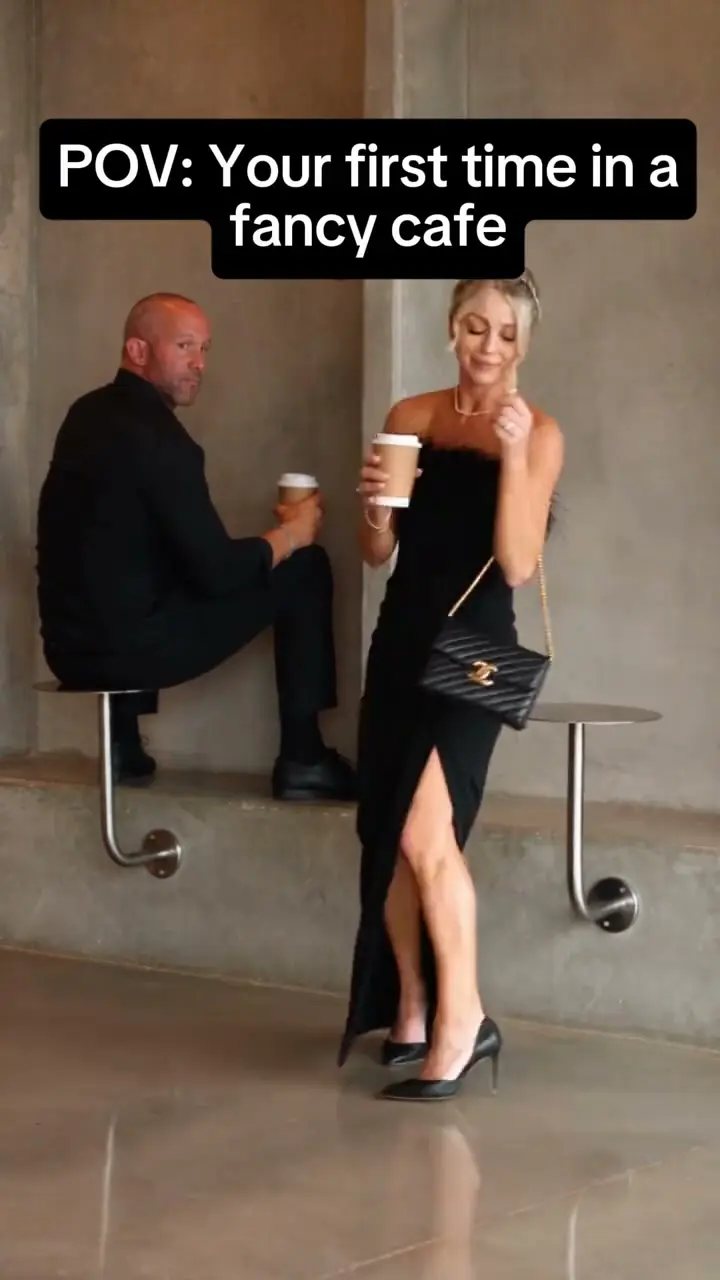
First Time in a Fancy Cafe AI Video Generator
Sip an espresso on the wrong piece of cafe furniture.
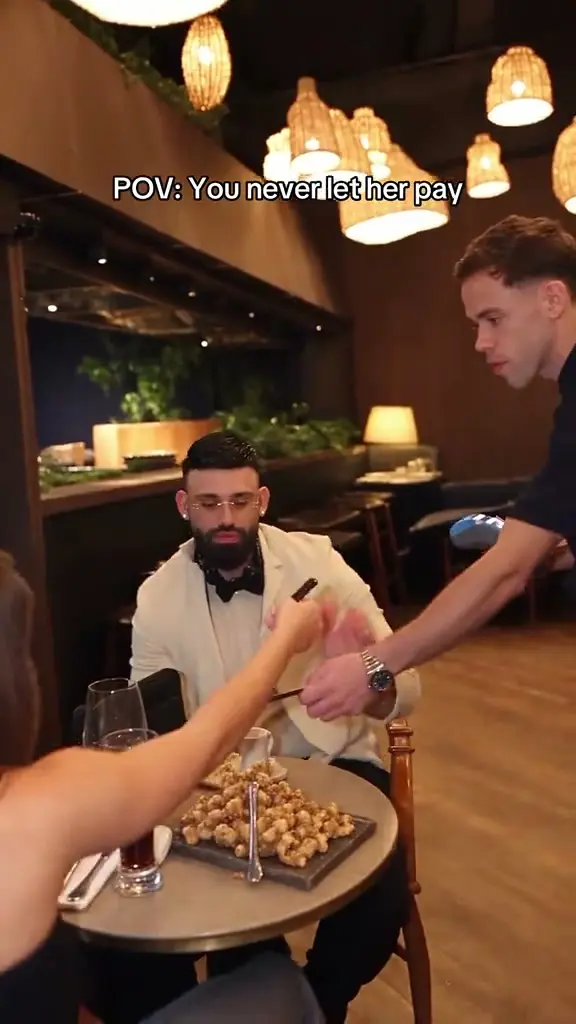
Never Let Her Pay AI Video Generator
Offer to pay for dinner with a dish sponge and follow the waiter into the kitchen.
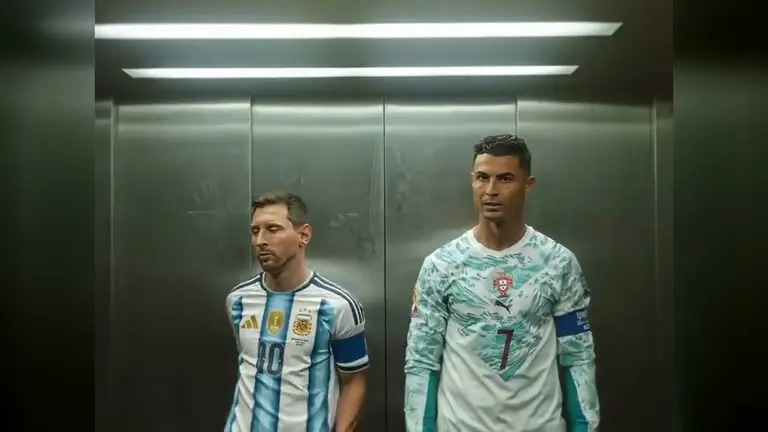
365 Elevator AI Video Generator
One person is already waiting. Who walks into the elevator?
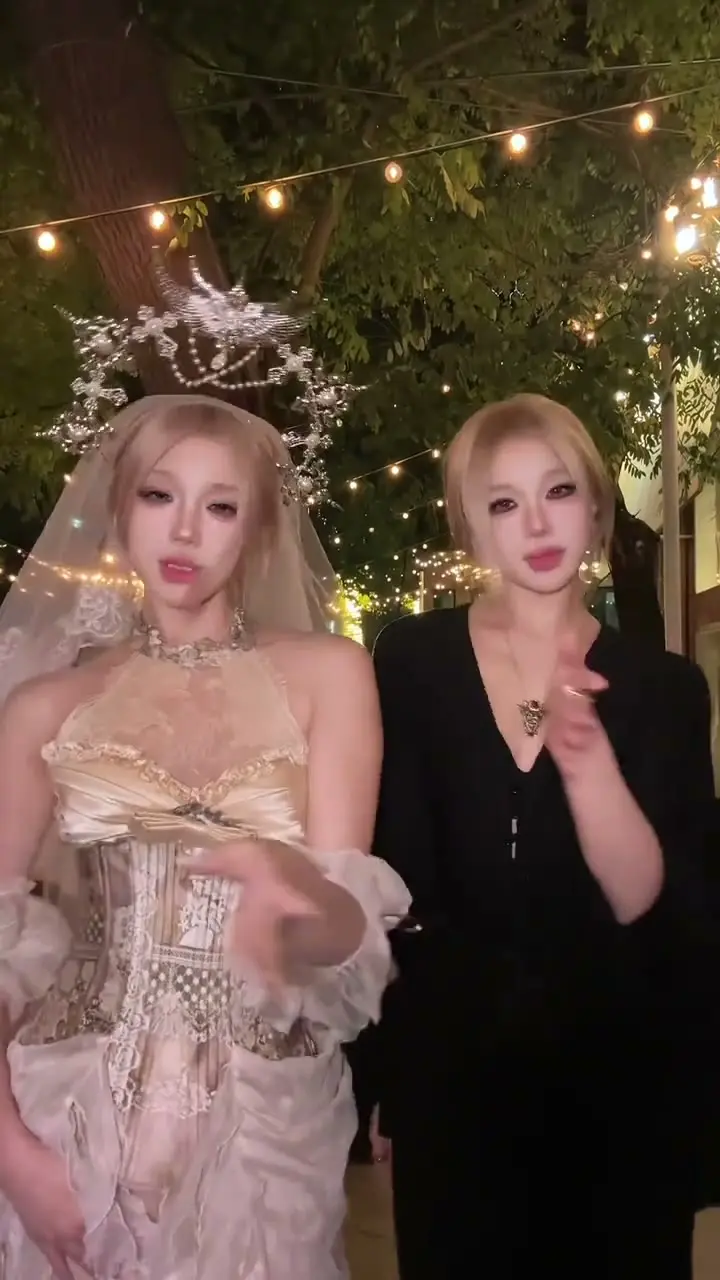
Addicted Dance AI
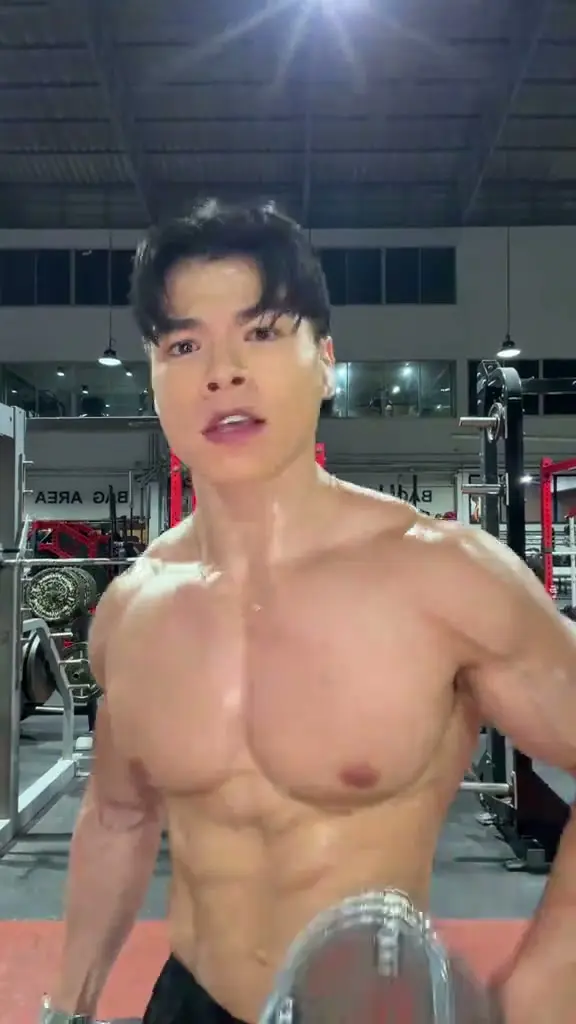
AI Huss Huss Huss
Take the dumbbells, turn on the breathy beat, then deliver the gym monologue to camera.
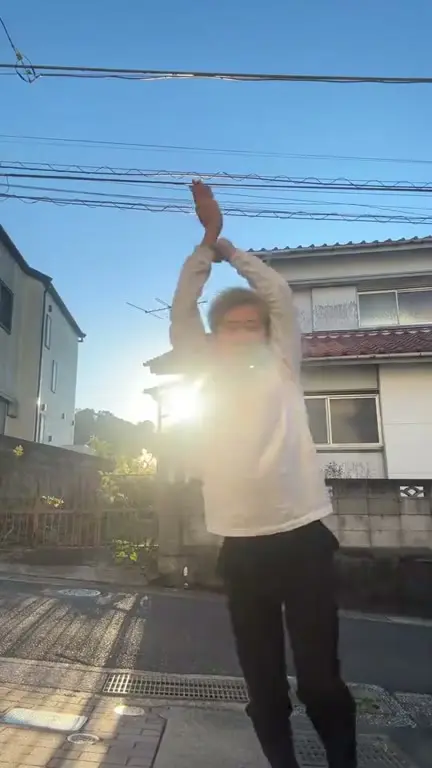
Anone Daisuki Dance AI Video Generator
A wide squat, a sweep to the side, then hands together high above the street.
Bandit Juice WRLD AI
Take the opening verse or trade shots with a friend in the Bandit music video edit.
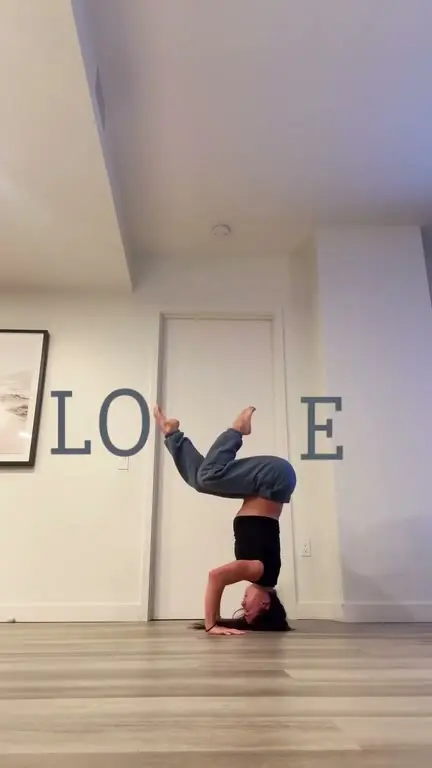
Love Handstand AI Video Generator
Bend your knees upside down and open your feet to supply the missing V in LOVE.
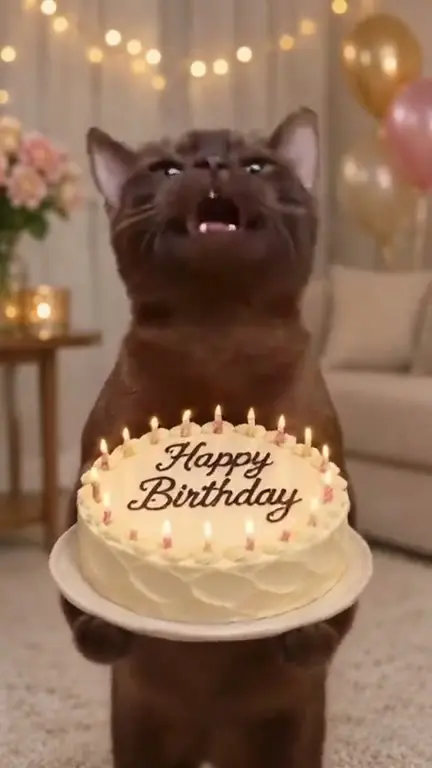
Singing Birthday Cat AI Video Generator
Your pet holds the birthday cake and sings over the candles.
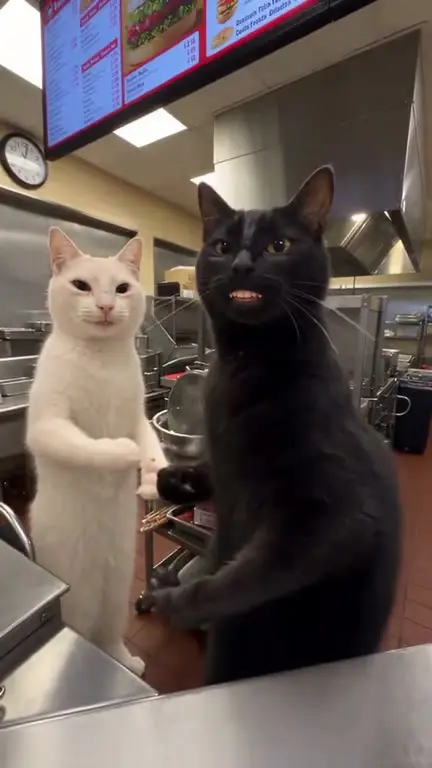
Waiting on My Fries AI Video Generator
One cat forgot the fries. The other buys time with a dance.
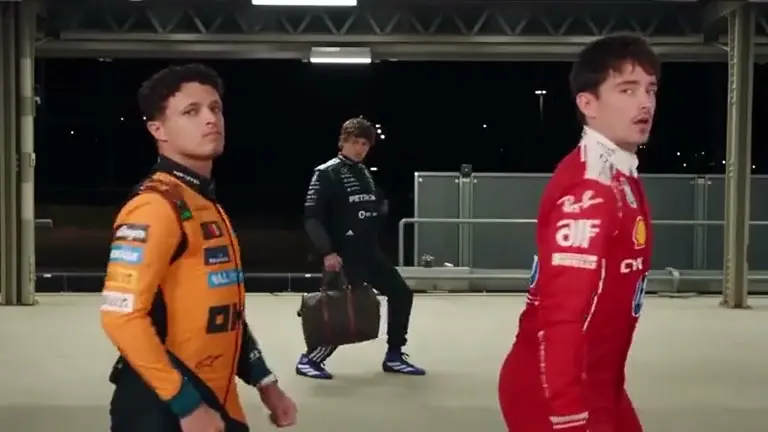
Wow You Can Really Dance F1 Driver AI Trend
Two drivers trade looks and dance while a third steals the reaction shot.