
Pet Bartender AI Video Generator
Turn your pet photo into a 15-second pet bartender AI video. Seedance follows a built-in reference for six shots, while your photo supplies the animal’s appearance.
- 1 pet photo required
- 15 seconds · 720p · 9:16
- Seedance 2.5
- MP4 with audio
The original reel
m.a.n.g.o__o
Mango the golden retriever stands behind a kitchen counter in round glasses while a hidden helper makes the drinks. A plain cola becomes an elaborate creation with broccoli, powdered sugar and a sparkler. The drinks get more extravagant; the dog stays completely serious.
The 15-second edit used by this template
- $1
The simple pour
0–3.1sPour cola from a small red bottle and slide the glass toward the camera.
- $5
The iced upgrade
3.1–8.4sKeep the same fixed shot. Add ice to a second glass, then pour the cola.
- $50
The extravagant finish
8.4–15sCut ice, pour from a shaker, add broccoli, then finish with sugar, a sparkler and a giant cola bottle.
What is the Pet Bartender AI trend?
Pet Bartender AI puts your pet into the $1 vs $5 vs $50 drink skit. Seedance 2.5 receives two separate inputs: your selected pet image for appearance and a fixed 15-second reference for the kitchen, human helper hands, drink preparation, cuts and camera. Upload your original pet photo and generate the video directly. The output is a new AI video, not an exact pixel copy or a guaranteed match to the sample.
Which pet photo works behind the counter?
Choose one sharp photo in even light. A front or gentle three-quarter view shows the shape of the muzzle, the outline of both ears and markings around the eyes. Leave those details visible, especially where the round glasses will sit. The kitchen, glasses and white bib are already in the scene, so a snapshot at home works.
The six-shot pet bartender prompt
The prompt uses [Image1] for the pet’s species, proportions and coat, and [Video1] for the actions. The model receives a 15-second cut of the Mango reel. Two human hands pour the 1$ cola, add ice to the 5$ glass and prepare the 50$ drink with a shaker, broccoli and a sparkler. The pet stays behind the counter through all six shots.
The prompt requests synchronized sounds for the ice, pouring and glass, without speech or music. When checking the result, listen as the ice lands and look at the pet’s markings again when the giant bottle arrives.
Recreate the reference video [Video1] shot for shot: the same white kitchen counter in a modern grey kitchen at night, the same fixed front camera, the same six shots, cuts, timing and moves, and the same human arms that reach out from behind the bartender and do all the work. The only change is that the dog at the counter becomes the pet in [Image1].

[Image1] is the sole appearance reference for the pet. [Video1] supplies only the movement, hands, props, price captions, timing and camera.

In every shot, preserve the species and breed, head shape, face, eyes and eye color, ears, muzzle, fur colors, fur length and markings of the pet in [Image1]. Keep its natural body volume and proportions: never flatten, squash, stretch or merge it with anything. A cat stays a cat, a dog stays a dog, and another animal stays that animal. It stands upright behind the counter, wears thin round glasses and a plain white bib with no name, letters or print. Do not borrow the reference dog's face, ears or coat unless these match [Image1], including in close-ups.

Keep exactly two human arms and two human hands, emerging from behind the bartender's shoulders as in [Video1]. They perform the preparation; the pet does not grow human arms. No helper's head, face, torso or other body parts are visible.

Keep only the existing white price captions below the drinks, in the reference position, size and timing: "1$" from 0 to 3.1 seconds, "5$" from 3.1 to 8.4 seconds, and "50$" from 8.4 seconds to the end.

Shot 1 [0-8.4 s]: one continuous take. The hands pour cola from a small red bottle into a plain glass and slide it forward (1$), then put ice into a second glass, pour cola over the ice and set it in front (5$).
Shot 2 [8.4-9.9 s]: hard cut. Cut a large block of clear ice with a kitchen knife on a wooden board.
Shot 3 [9.9-11.0 s]: hard cut. Pour the drink from a steel shaker into a glass with a round ice ball.
Shot 4 [11.0-12.1 s]: hard cut. Push a whole broccoli floret into the glass beside a lemon slice.
Shot 5 [12.1-13.5 s]: hard cut. A striped straw and a lit sparkler stand in the drink. Raise a shaker high and dust powdered sugar over the broccoli.
Shot 6 [13.5-15.0 s]: hard cut. The broccoli is coated in sugar, the sparkler burns, and a hand sets a giant cola bottle beside the glass. The bartender looks proudly at the camera.

Use plain red labels without logos or words on all cola bottles. Keep one pet, one head and one muzzle, with natural teeth and tongue. No extra animals or visible people other than the two helper arms and hands. Preserve the counter, kitchen, props and lighting. The pet does not drink. Generate natural sound effects synchronized with the actions: pouring cola, ice clinks, chopping ice, the shaker and glasses touching the counter, and the sparkler crackling. No dialogue or background music. No added text beyond the three price captions, no logos and no watermark.
How can I make the iced cola sound different?
In Edit prompt, add “Let the ice clink clearly against the second glass just before the cola pours.” Leave the six shot descriptions and the three price captions in place. That gives the model one sound cue for the 5$ drink while keeping the timing of the final garnish and bottle reveal.
How to use this video template
- 01
Upload your image
Upload one clear pet photo with the animal’s face and markings visible.
- 02
Review credits & generate
Preview the original reel and your selected pet image. Generation uses a prepared 15-second edit of the reel. Review the shared prompt and 1,350-credit video quote; the image controls appearance rather than an exact opening frame.
- 03
Review & download
Generate a 15-second, 720p portrait MP4 with synchronized sound effects. Watch and download it here or in My Creations. A confirmed video failure returns the video credits.
Frequently asked questions
Can I use a cat or another pet?
Yes. The shared prompt takes the animal’s species, face, eyes and coat from your image. It does not force a cat’s head onto a dog or copy the reference dog’s markings. Exact identity consistency still depends on the generated result.
Do I need to upload a reference video?
No. Mianvo automatically includes the prepared 15-second reference. Upload one pet photo; the model receives the photo for appearance and the fixed video for shots and movement.
Do I have to generate an image first?
No. Upload your pet photo and generate the video directly. The photo guides the animal’s appearance; no separate image-generation step is required.
Will I get all six shots and the price captions?
The prompt requests the six-shot sequence and the 1$, 5$ and 50$ captions at their specified times. These are generation instructions; the new integration has not yet had a paid output reviewed, so exact cuts, text and hands are not guaranteed.
Does the video have sound?
Yes. Audio generation is enabled for sound effects synchronized with the drinks and props. The prompt excludes dialogue and background music. Sound is generated by the model, not a copy of the original reel’s audio; the exact result needs to be checked after generation.
How many credits does it cost?
The current 15-second video quote is 1,350 credits, including the billable 15-second reference input. There is no separate image-generation charge. Daily check-in credits alone do not cover this video.
What happens if generation fails?
A confirmed video failure returns the video credits. If submission or a refund is still being resolved, check the original request rather than creating another task.
Can I use a real person’s photo or share the result publicly?
Mianvo provides the video tool. You are responsible for the material you upload and how you use the result. You need permission to use someone else’s likeness or voice. Real-person face swaps and impersonation are prohibited, even with consent. Before sharing, make sure you have the rights to publish the visuals and music. Do not present an AI-generated clip as genuine footage. To report infringement, send the page link or task ID to support@mail.mianvo.com. We review reports and take action under applicable law.
Keep creating
View all templates
Toy Car to Real Car AI Video Generator
Turn a miniature on a train windowsill into a road reveal.

Christmas PFP AI Generator
Make a cozy Santa-hat profile picture from your own photo.
My Moon My Man AI Painting
Your portrait in the hidden-bouquet oil painting.
Boom Clap Confetti AI Video Generator
Hit the beat, flinch at the silver confetti, and laugh through the second burst.
James Bond Reveal AI Video Generator
Let a narrow beam of light reveal your face in a black tuxedo.
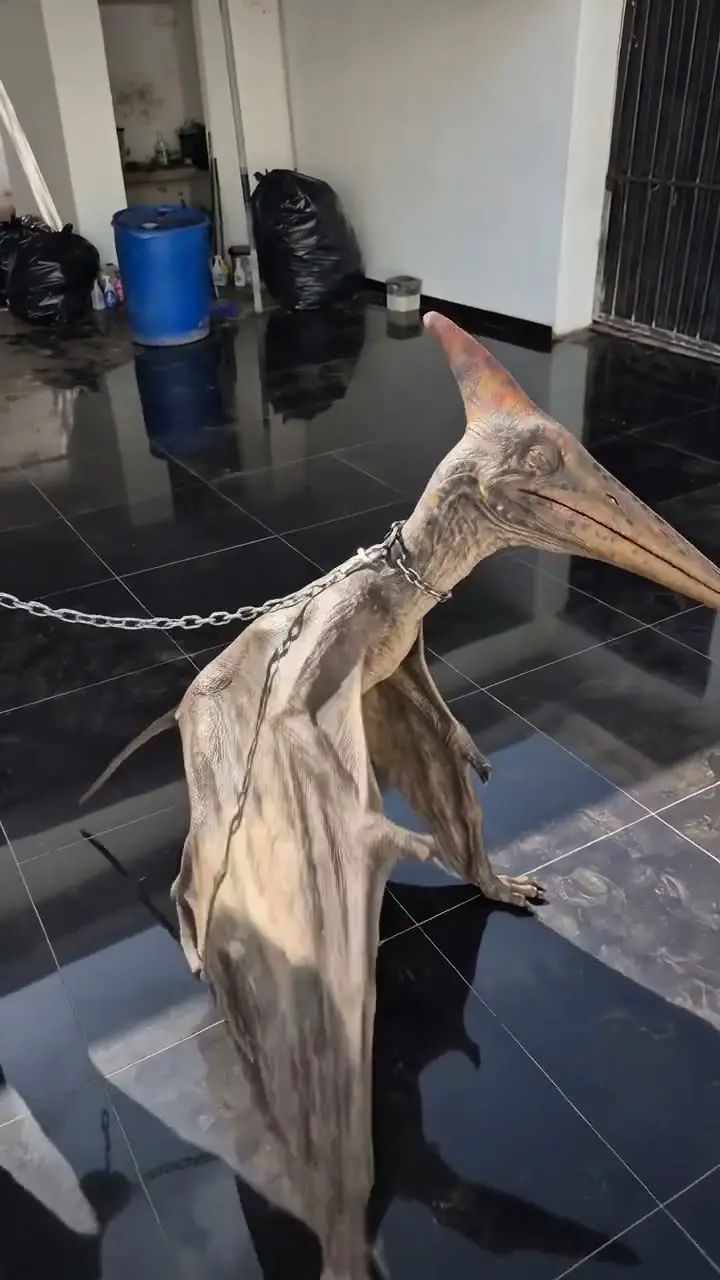
Mexico Pterodactyl AI Video Generator
Take a big, crested pterosaur for a surprisingly ordinary walk.
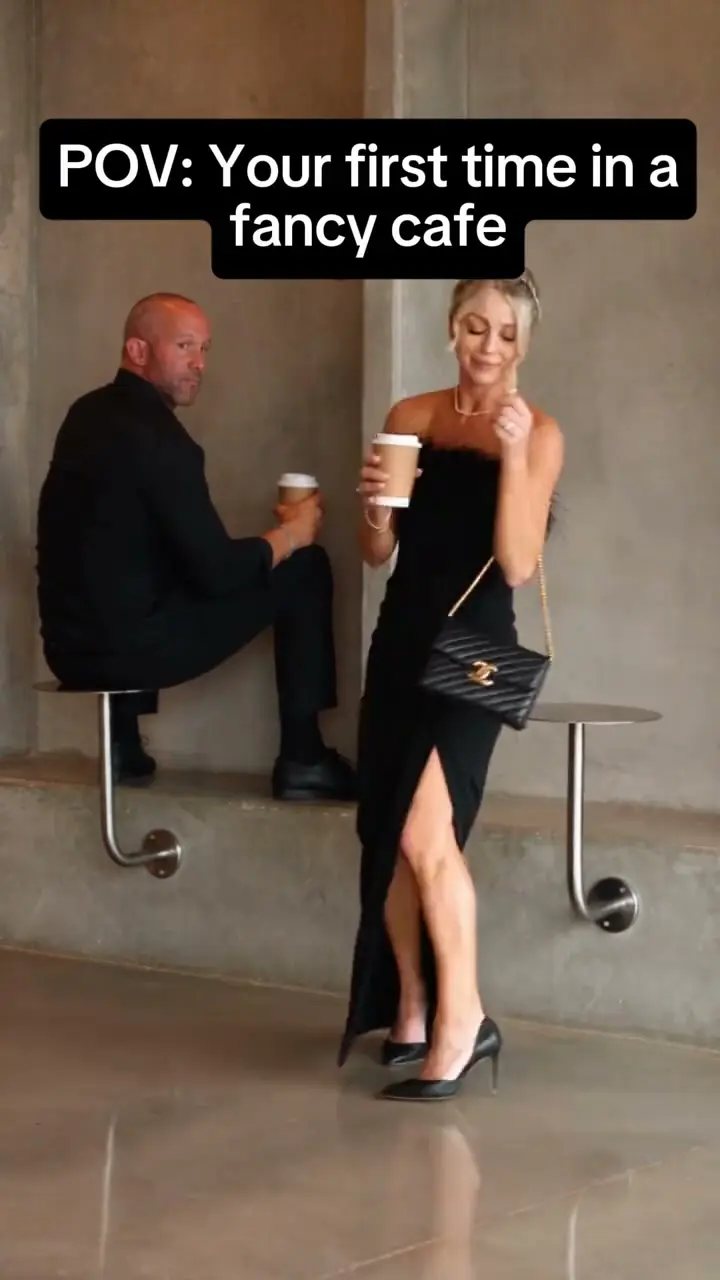
First Time in a Fancy Cafe AI Video Generator
Sip an espresso on the wrong piece of cafe furniture.
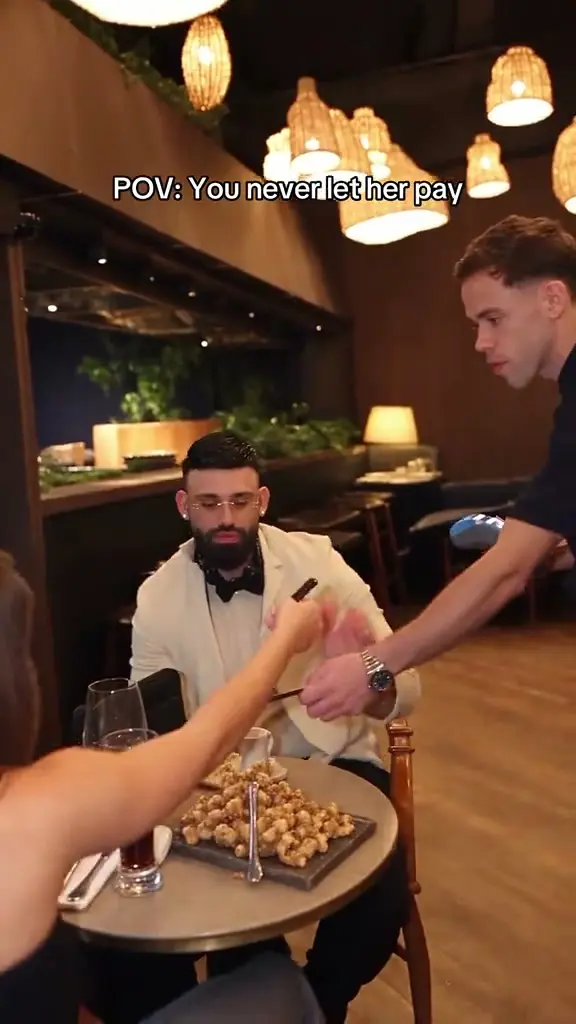
Never Let Her Pay AI Video Generator
Offer to pay for dinner with a dish sponge and follow the waiter into the kitchen.
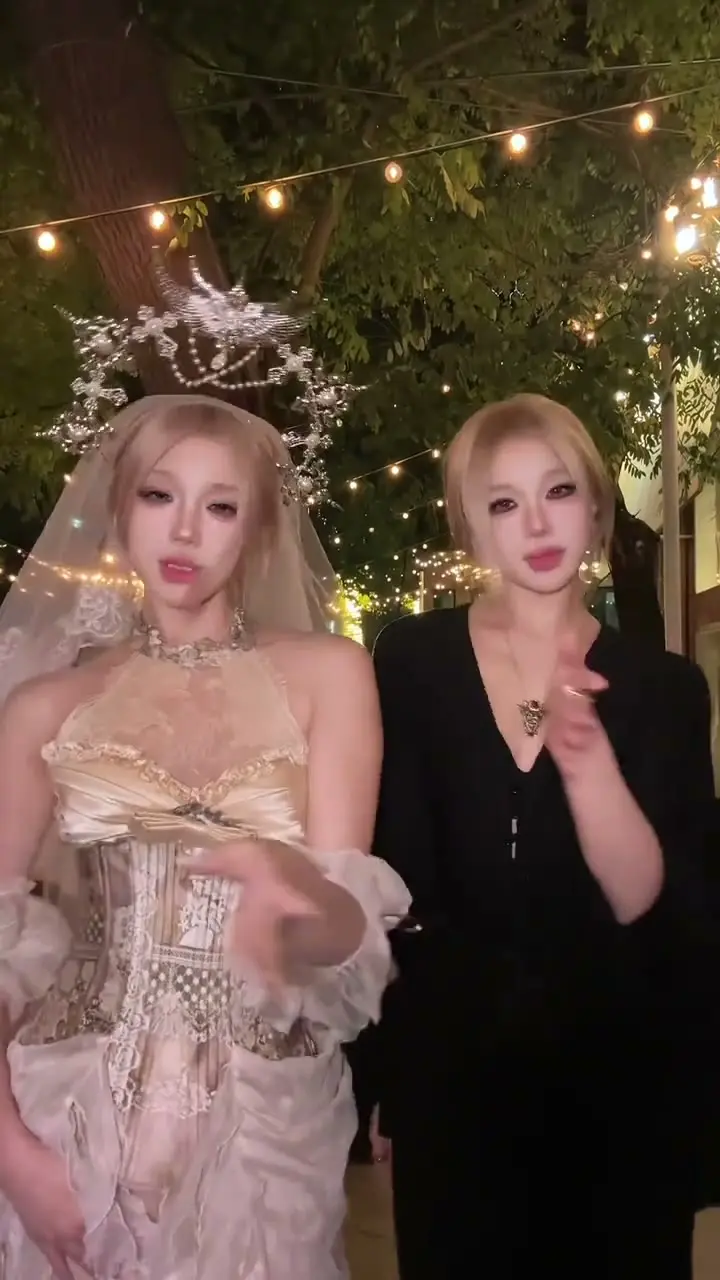
Addicted Dance AI
AI Huss Huss Huss
Take the dumbbells, turn on the breathy beat, then deliver the gym monologue to camera.
Bandit Juice WRLD AI
Take the opening verse or trade shots with a friend in the Bandit music video edit.
Love Handstand AI Video Generator
Bend your knees upside down and open your feet to supply the missing V in LOVE.
Waiting on My Fries AI Video Generator
One cat forgot the fries. The other buys time with a dance.