Bandit Juice WRLD AI
Start on a floodlit lawn, cut to the blue studio and hand the verse to a friend in the tall grass. Choose either rapper or cast both in the Bandit Juice WRLD AI edit.
Why choose Mianvo?
Pause on the two role thumbnails before you choose a portrait. The opening rapper has the night and studio shots, and the closing rapper has the field and chair shots. You can follow either part in the wide reference player.
- Credits back if generation fails
- See the credit cost before you generate. If the job is confirmed failed and no video was delivered, we return the credits reserved for it.
- Your photos stay private
- The selected model provider processes your photos. They stay private, and Mianvo does not use them to train its own AI models. You decide whether to publish your video.
- Automatic photo cleanup
- Original photos stored by Mianvo enter automatic cleanup 24 hours after upload. If a queued or running job still needs a photo, cleanup waits until that job ends.
Follow the two verses through five Bandit shots
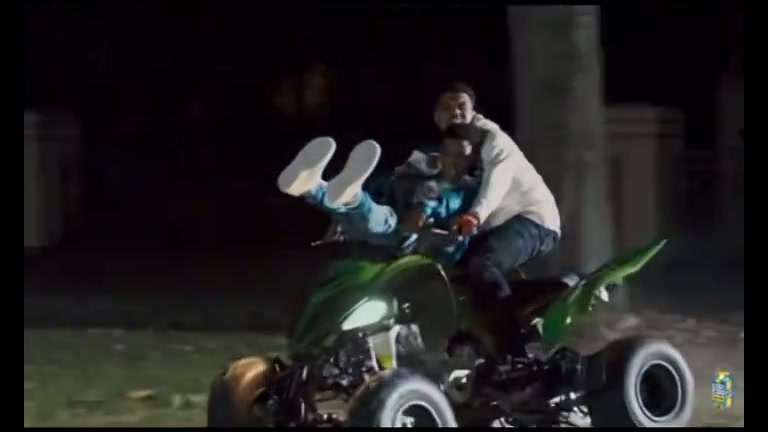
Look for the switch from cool studio light to daylight in the grass. That change introduces the second role; the quick ATV insert is an easy landmark just before it.
The lead opens on the lawn
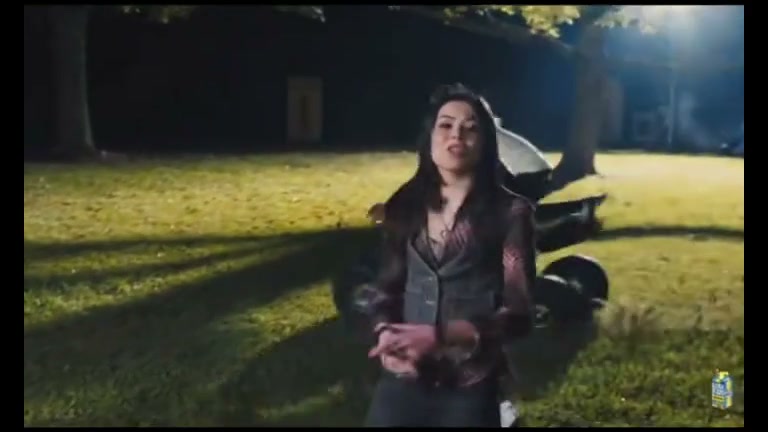
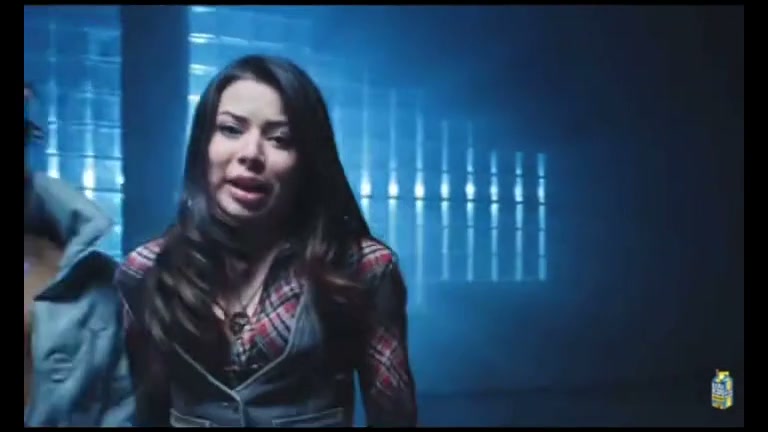
The lawn is bright behind the performers while the foreground is comparatively dark. The lead faces the camera and gestures close to the body. Watch the edge of the frame for movement behind the lead. That movement belongs to the source scene and carries us into the faster run of cuts.
Blue light picks out the same face
The setting changes completely but the opening role continues. The light outlines the performer against the darker studio, then the camera gets close enough to catch the mouth forming the words. It is a useful place to check your first portrait because the face has a different angle and color from the one you just saw on the lawn.
A fast cut to the riders
The verse carries straight across a brief shot of the green ATV. No new photo is needed for the riders. The return to the lawn puts the established lead back on screen before the camera gives the next set of lines to someone else.
The closing performer takes the verse
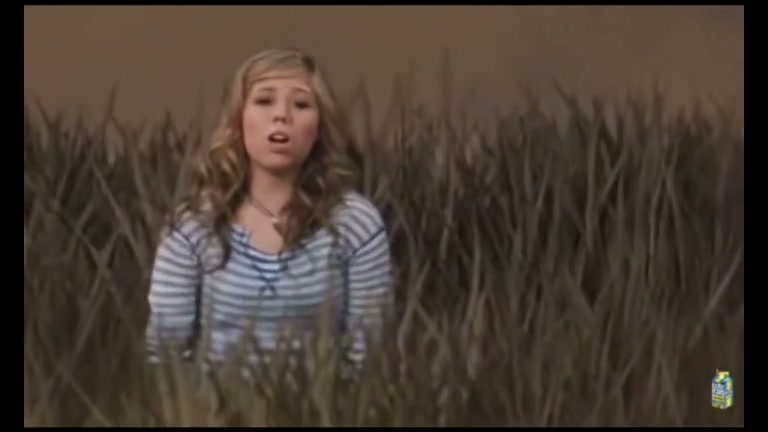
Here the field fills the frame and the second performer looks out from the stems. The lighting is much warmer than the studio and the background is quieter. A face you add in the second slot should first become easy to recognize here, even if you barely notice the cut on a first viewing.
A close-up finishes the edit
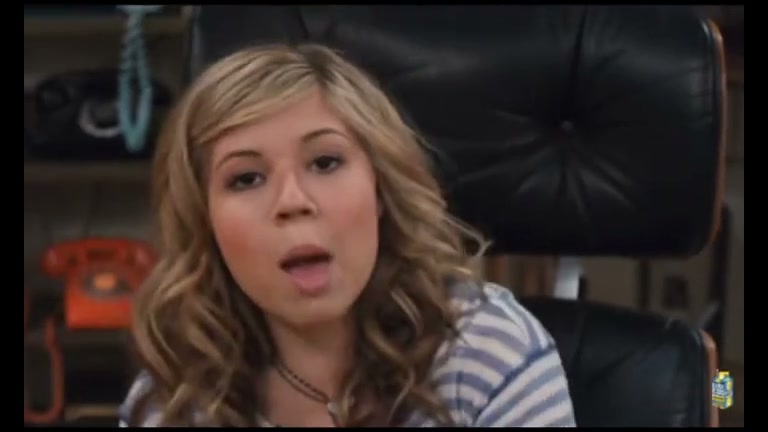
The striped top carries the second person into a tight shot in front of a chair. Look just beyond the face for the orange phone. Compared with the grass, the objects here are sharp and close, so keeping the face steady through the last few words matters more than adding any new movement.
Choose a photo for the opening or closing rapper
The first part is the more physical of the two. The performer opens on a lawn at night, turns toward the lens and gestures around the face. That same face returns under blue lights in the studio. Choose a chest-up photo in which you can see both eyes, the mouth and the outline of the hair against the background. If you are deciding between a stage picture under bright purple lights and a simple photo by a window, try the window picture first. The lights in this video are already part of the shot.
The second part has an easier role to spot if you scrub toward the end. A different performer appears among tall stems and then sits in front of a black leather chair. The camera gets close enough that an eyebrow or a crooked smile can do more for the likeness than a distinctive outfit. Look at your chosen photo at roughly the size of that last close-up. If it starts to break up or the eyes disappear under a hat, choose a closer source image.
For a duo, crop two separate pictures from a group photo or use two originals. In each crop leave the entire chin and some space above the hair. When you tap the little picture of the studio performer you are changing the opening part, even if you added your friend to the closing part first. A friend who only wants the last verse can take the field-and-chair slot on its own. The template then asks the editor to keep the opening performer from the clip.
Read the Bandit video prompt
Listen to the short passage once before changing the prompt. The reference already gives the editor the place to cut away from the singer, the pause for the ATV shot and the point at which the second person takes the lead. The preset ties identity to those groups of shots. That lets an outfit or the lighting change between cuts without assigning the next verse to the wrong photo.
The wide frame on this page comes from one of the three identical picture strips in the vertical post credited below. You can see the whole action once across the width of the player. The colored light, the riders and the distant people belong to the supplied video. Leave those details in place when the only change you want is the performer.
Edit @Video1. Recast only the assigned performers. Follow the opening lead on the floodlit lawn and in the blue studio, and the closing partner in the grass field and black chair. Keep the ATV cutaway, existing background performers, camera angles, wide framing and original sequence of cuts. Match mouth movements and relaxed hand gestures to the reference verse. Retain the musical timing and reference audio.
Give the final close-up a different expression
After choosing your cast, add this sentence at the end of the prompt: “In the last chair shot, the closing rapper raises one eyebrow before the edit ends.” The instruction names a person, a location and a small movement. Those three details distinguish the request from the lead rapper raising a hand on the lawn. Keep the rest of the preset for the original cut points and verse.
For a wardrobe change, try a single visible detail on the closing rapper, such as a red collar in both the field and chair shots. Specify both places if you want continuity across the cut. After generation, pause on the last frame of the field shot and the first clear view of the chair. Look for the same collar and the same person on both sides of the edit.
From the Bandit music video to the iCarly edit
The original music video establishes the sets and song. The reference player on this page follows one particular creator’s two-performer edit.
The official Bandit video
Lyrical Lemonade released the music video for Juice WRLD and NBA YoungBoy. Its night shoot and performance shots provide the visual starting point for this edit.
Official music videoThe source for this version
On TikTok, @novarunee posted a version with two iCarly characters taking the lead parts. The reference here follows that post through the studio, the grass field and the chair, with one copy of its repeated image visible.
@novarunee on TikTok
Frequently asked questions
Can I take only the verse at the end?
Yes. Add your picture to Closing rapper and leave the opening role empty. Your part starts in the field and continues into the chair close-up. The preview above is useful for finding that entrance, as the ATV appears earlier in the edit and belongs to neither portrait slot.
Which person does the opening portrait replace?
The opening role belongs to the dark-haired performer who addresses the camera outside and appears again in the blue studio. Look for the hand passing near the face on the lawn. The person or vehicle moving behind the lead is part of the background, even when it occupies a surprisingly large part of a shot.
Why does the TikTok post show the scene three times?
The credited post stacks three copies of the same moving image vertically. The reference for this template shows the middle panel once as a landscape clip. The lawn, studio, field and chair still follow the same order, and the short piece of music runs over the cuts in the same place.
Do I have to lip-sync or record a voice?
A still photo is enough. The editor takes the mouth movements and the timing of the verse from the reference. The original soundtrack accompanies the edit. If you want a close-up to look more like your photo, start with a portrait where the shape of the lips is easy to see.
How should I review my generated video?
First play it with sound to follow the verse. Then use the scrubber to check the face just before the blue studio cut and just after the change to the tall grass. Those two cuts are good places to check that each performer kept the identity you assigned. The final shot gives you a longer look at the closing rapper.
Can I make a vertical version from this page?
This template is arranged for a landscape music-video frame. A vertical crop would cut away the edges of the lawn and much of the action around the ATV. Both output qualities shown in the generator use the landscape composition. You can preview it before choosing a quality or adding a photo.
Can I use a real person’s photo or share the result publicly?
Mianvo provides the video tool. You are responsible for the material you upload and how you use the result. You need permission to use someone else’s likeness or voice. Real-person face swaps and impersonation are prohibited, even with consent. Before sharing, make sure you have the rights to publish the visuals and music. Do not present an AI-generated clip as genuine footage. To report infringement, send the page link or task ID to support@mail.mianvo.com. We review reports and take action under applicable law.