
Toy Car to Real Car AI Video Generator
Make a toy car to real car AI video with a train-window tunnel reveal. Upload an opening image, edit the prompt and check credits before generating.
- 1 opening image required
- 10-second preset
- Framing from your image
Why choose Mianvo?
You choose the opening shot and the road at the end. The train-window example shows the transition. Only your photo and the prompt go into your generation.
- Credits back if generation fails
- See the credit cost before you generate. If the job is confirmed failed and no video was delivered, we return the credits reserved for it.
- Your photos stay private
- The selected model provider processes your photos. They stay private, and Mianvo does not use them to train its own AI models. You decide whether to publish your video.
- Automatic photo cleanup
- Original photos stored by Mianvo enter automatic cleanup 24 hours after upload. If a queued or running job still needs a photo, cleanup waits until that job ends.
How does the toy car to real car AI transition work?
Toy car to real car AI is a scale-reveal video: a miniature sits on a train windowsill, darkness hides a transition, and a full-size car appears on the road. The scene works because the viewer understands the small car before the reveal. This template provides a ten-second image-to-video prompt for that sequence. Upload a miniature-car scene to start directly; a normal car photo instead starts the video from that scene.
What should be in the opening photo?
Your upload is frame one. For the train-window reveal, use a picture of one palm-sized car on the inside ledge. Include the window frame and a little countryside outside so the viewer can judge its size. An ordinary photo of a full-size car starts from that scene. The example video on the page illustrates the reveal and is not sent with your request.
A low rear three-quarter view shows the wheels, tail lights and profile. Leave room around both bumpers and keep the whole car in frame. Choose a portrait or landscape image to establish the framing you want from the start.
How does the default prompt hide the scale change?
The train enters a tunnel and daylight fades until the frame and ledge disappear. Red tail lights carry the eye through the dark interval. The same shape and paint then emerge on a full-size car driving forward. The ten-second prompt keeps the camera low and behind the car so the reveal reads as a single move.
Animate the supplied image into a cinematic toy-car-to-real-car reveal. Begin with the miniature car stationary on the passenger train's interior windowsill while countryside moves outside. Preserve the car's paint, body shape, wheels and lights throughout. The train approaches a railway tunnel and ambient daylight gradually fades. Red taillights glow as the camera moves gently toward the miniature. Use darkness to conceal the window frame, ledge and scale change. Reveal the same car at full size driving forward through a road tunnel, then follow it onto a quiet road in soft evening light. Keep a continuous-looking low rear three-quarter camera movement, natural reflections and tires in contact with the ground. Exactly one car; no people, hands, extra vehicles, extra wheels, floating objects, visible melting, added lettering, logos or watermarks. Favor a clean transition over fast camera movement.
How can I change the road at the end?
In Edit prompt, replace “a quiet road in soft evening light” with “a wet night road reflecting the red tail lights.” Keep the same wheels, body color and direction of travel. Changing just the road makes it easier to see how the new light affects the reveal.
If the windowsill is still visible when the full-size wheels reach the road, keep the camera move simple and ask for complete darkness before the car emerges. Watch the tires as they touch the road to judge where the transition lands.
How to use this video template
- 01
Upload your image
Upload one PNG showing a miniature car on a train windowsill. Keep the whole car, window frame and ledge visible so the starting scale is clear.
- 02
Review credits & generate
Upload the opening frame, review the tunnel-reveal prompt and 10-second duration, then check the credit quote. Change the final road or lighting without adding unrelated scenes.
- 03
Review & download
Generate and watch the full transition. Check car shape, driving direction and wheel contact before downloading. If the scale change is rough, simplify the camera movement or prepare a cleaner opening frame.
Frequently asked questions
Can I upload a normal photo of my car?
Yes, but the video begins from that photo. For the recognizable train-window reveal, upload a miniature car already on a train windowsill. This generator uses your image directly; no separate image-generation step is required here.
Do I need two images or a reference video?
This preset uses one opening image. It has no second-frame or reference-video input. The prompt describes the full-size road scene; continuity and the exact reveal are generated rather than copied from a source clip.
Will the car keep its exact appearance?
The prompt asks to preserve color, silhouette, wheels and lights. AI can still change details, especially during the scale transition. Use a sharp source, keep the camera simple and review the result before treating it as an accurate vehicle depiction.
Is this a vertical 9:16 video?
Use a vertical 9:16 opening image for a vertical composition. A landscape image leads to a wider result. Output framing follows the uploaded image; this preset does not promise a fixed pixel resolution.
Do I need a separate image-generation step?
No. Upload an opening image, review the video quote and generate. This page submits a video request using your uploaded picture; it does not submit an additional image-generation request.
Can I add engine sound?
Sound is not guaranteed in this video configuration. Download the MP4 and add an engine sound or music you have permission to use. The preset does not reproduce another creator’s soundtrack.
Can I use a real person’s photo or share the result publicly?
Mianvo provides the video tool. You are responsible for the material you upload and how you use the result. You need permission to use someone else’s likeness or voice. Real-person face swaps and impersonation are prohibited, even with consent. Before sharing, make sure you have the rights to publish the visuals and music. Do not present an AI-generated clip as genuine footage. To report infringement, send the page link or task ID to support@mail.mianvo.com. We review reports and take action under applicable law.
Keep creating
View all templates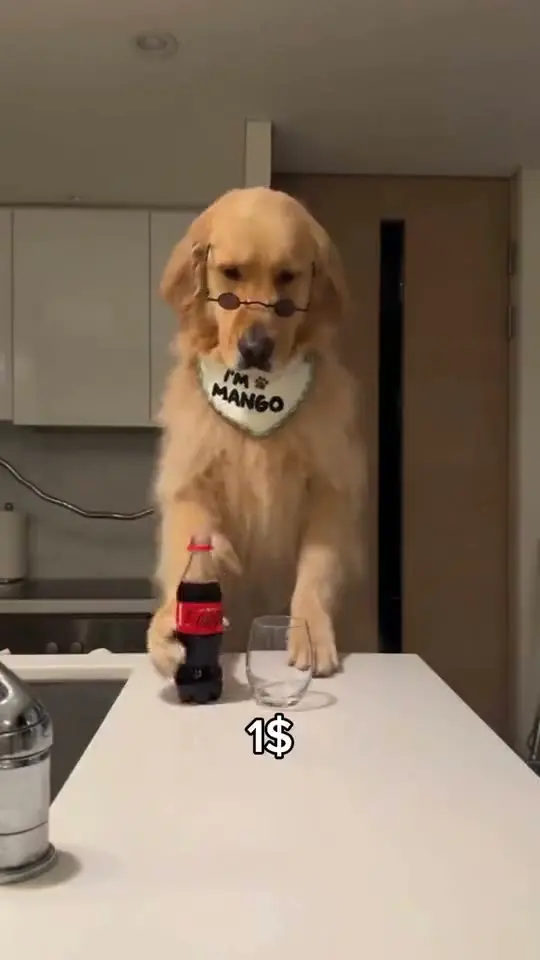
Pet Bartender AI Video Generator
Give your dog or cat a tiny bartender moment.

Christmas PFP AI Generator
Make a cozy Santa-hat profile picture from your own photo.
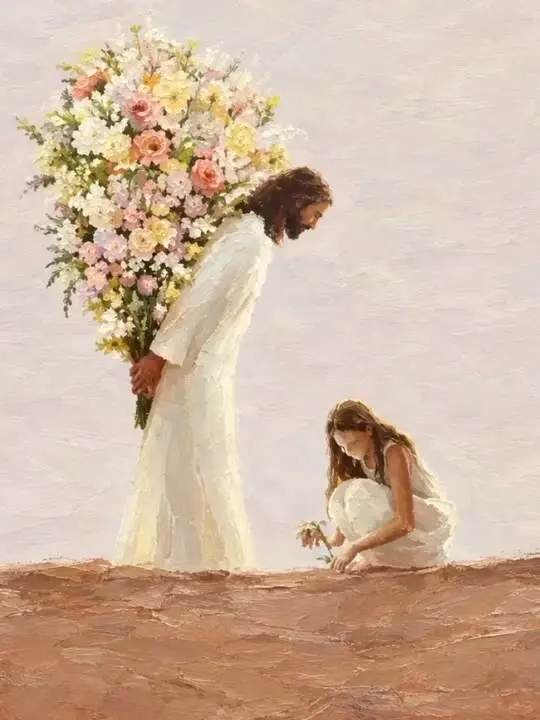
My Moon My Man AI Painting
Your portrait in the hidden-bouquet oil painting.
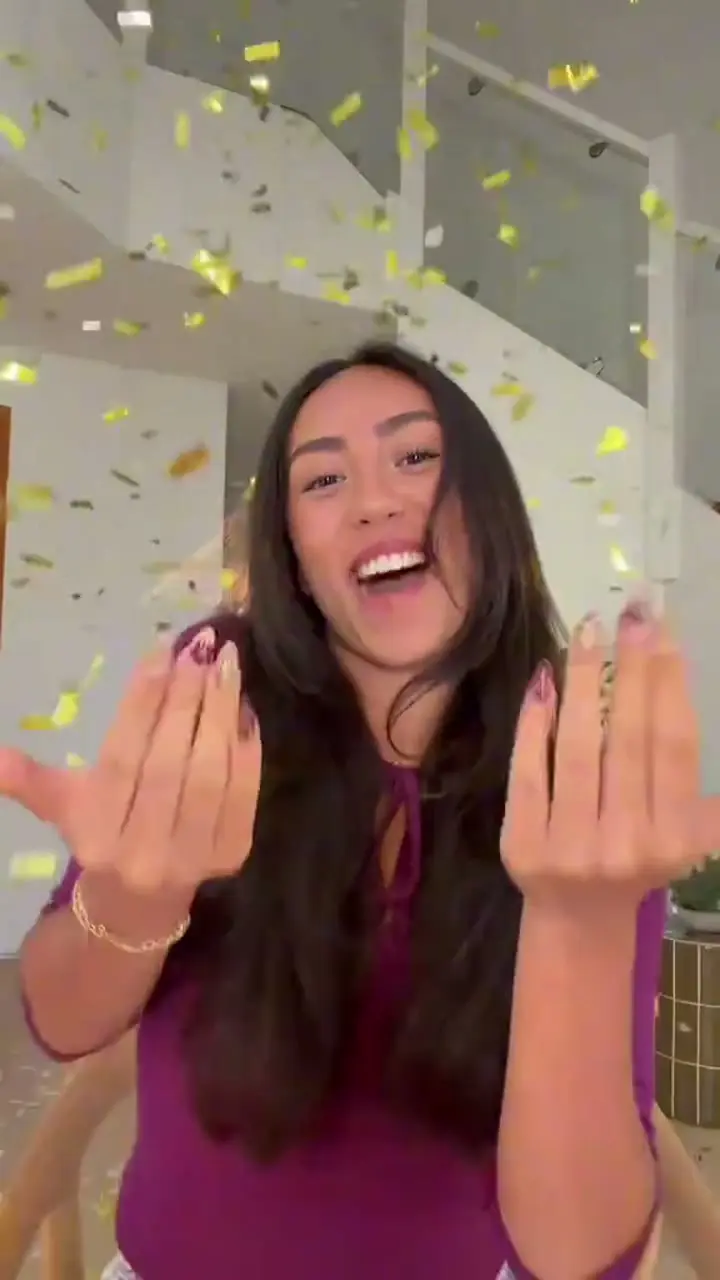
Boom Clap Confetti AI Video Generator
Hit the beat, flinch at the silver confetti, and laugh through the second burst.
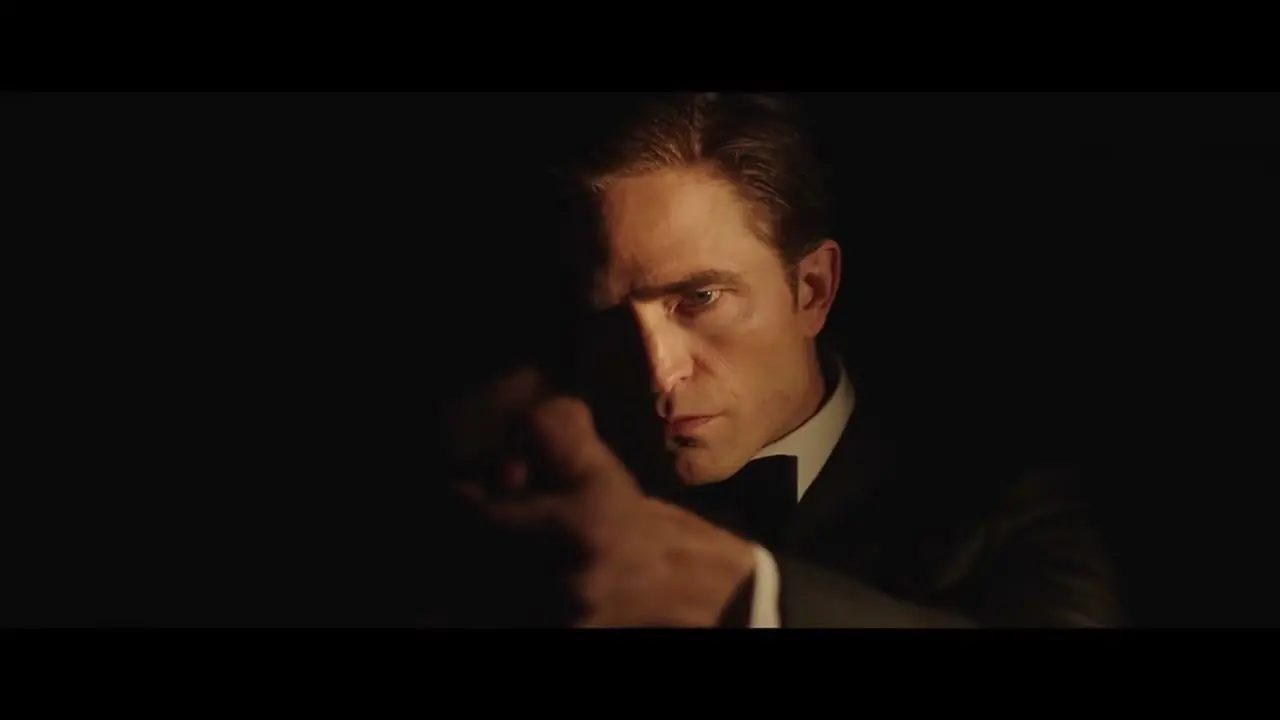
James Bond Reveal AI Video Generator
Let a narrow beam of light reveal your face in a black tuxedo.
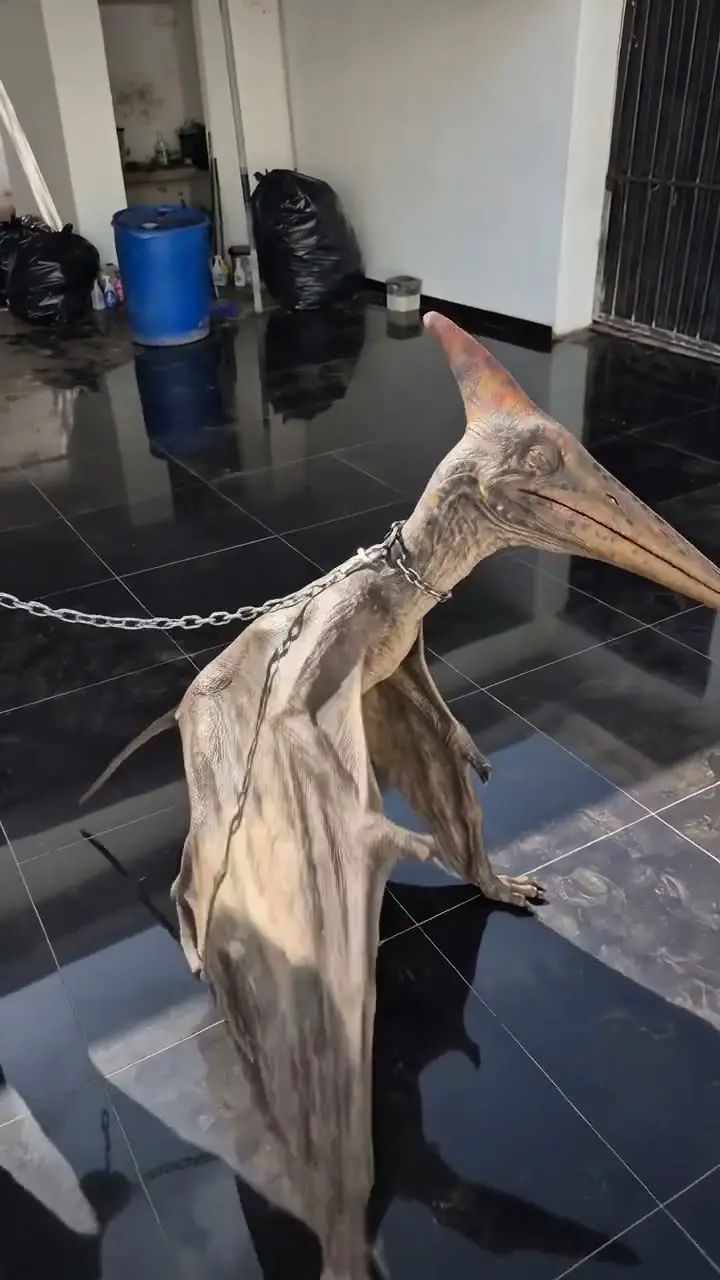
Mexico Pterodactyl AI Video Generator
Take a big, crested pterosaur for a surprisingly ordinary walk.
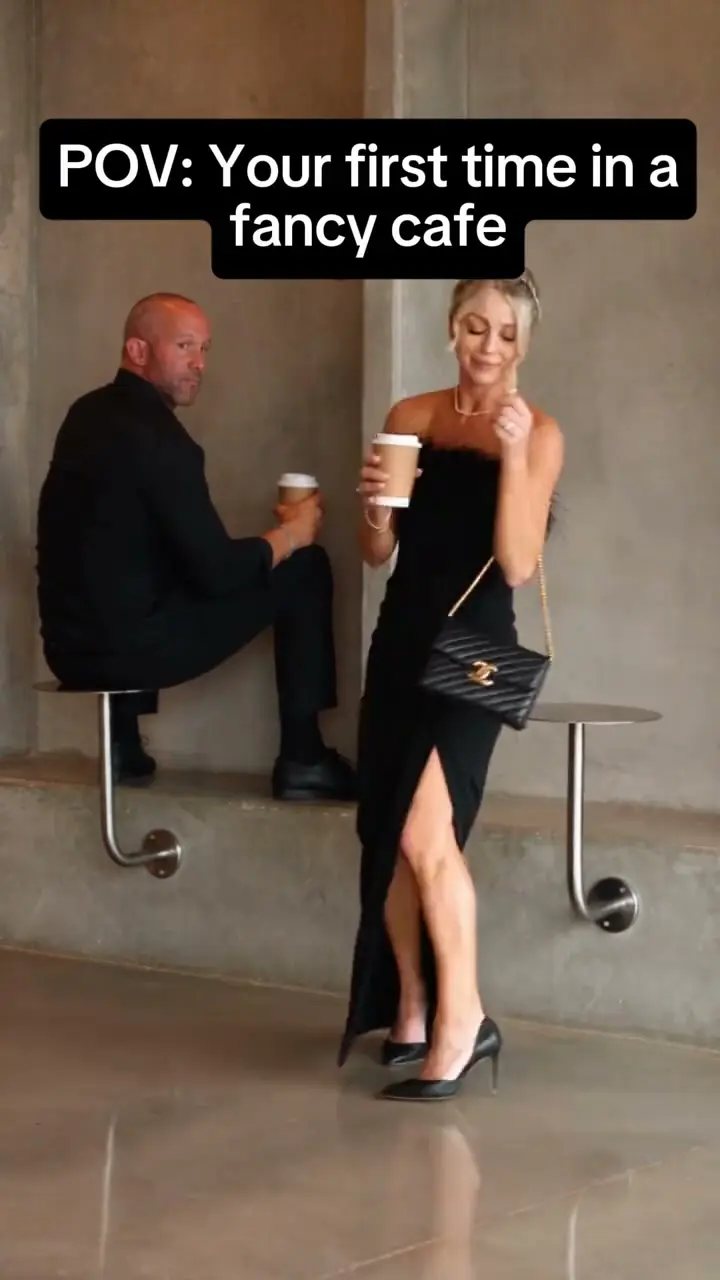
First Time in a Fancy Cafe AI Video Generator
Sip an espresso on the wrong piece of cafe furniture.
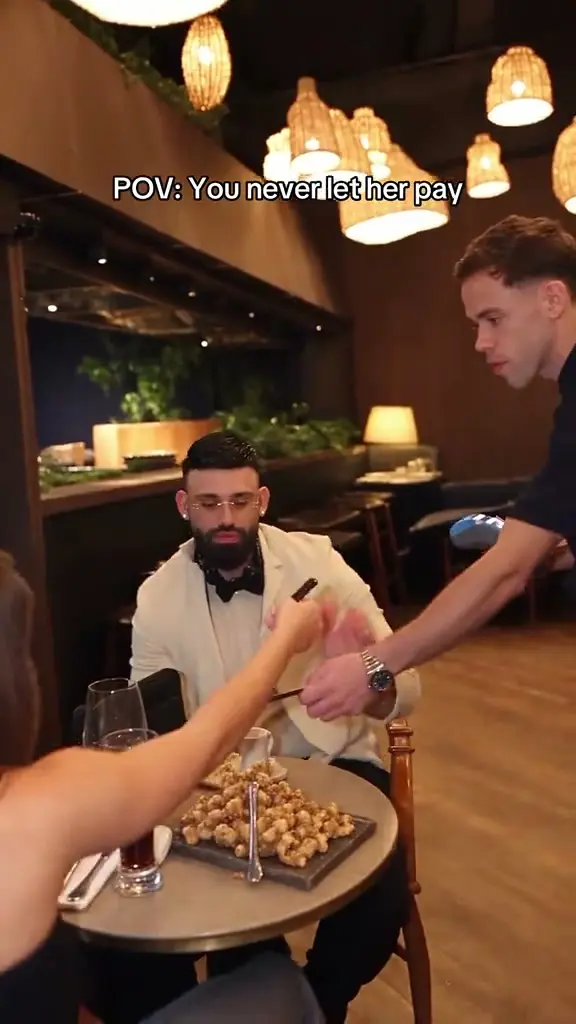
Never Let Her Pay AI Video Generator
Offer to pay for dinner with a dish sponge and follow the waiter into the kitchen.
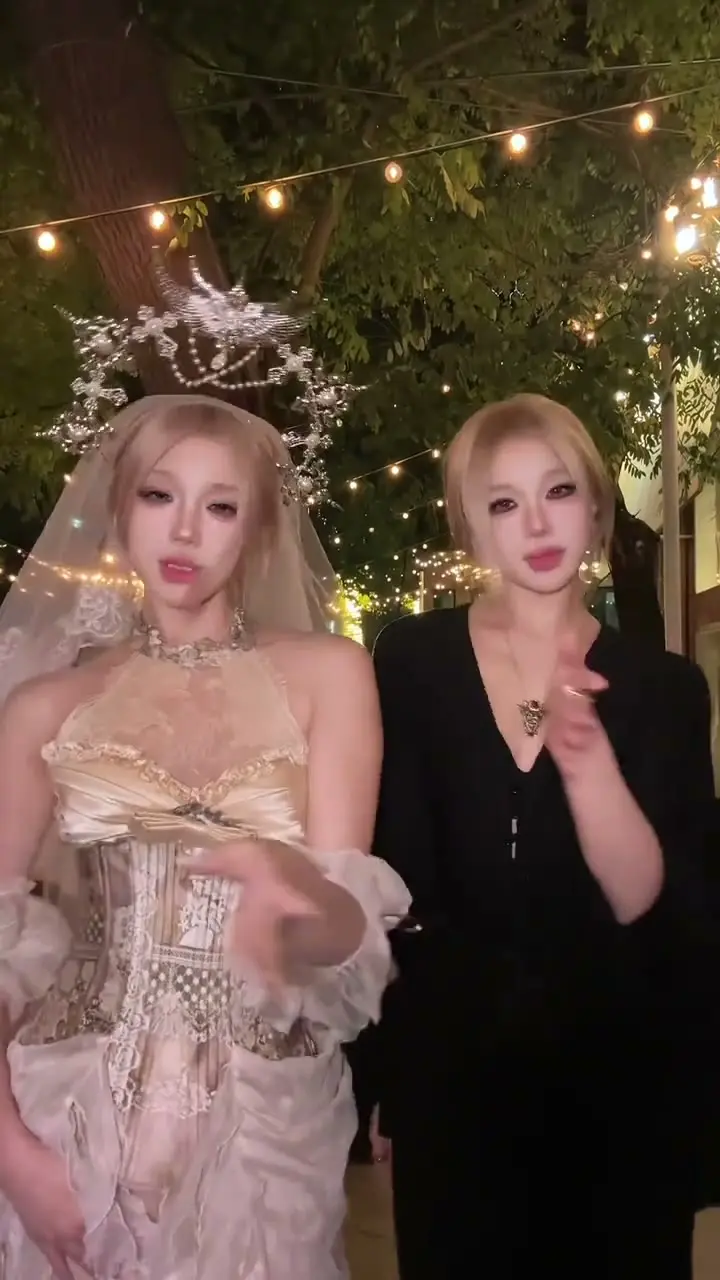
Addicted Dance AI
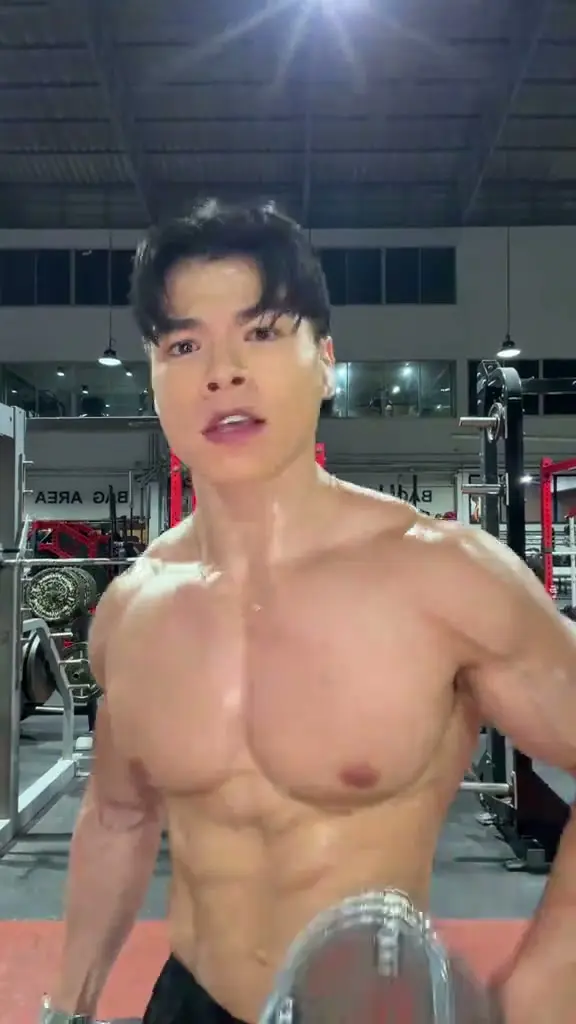
AI Huss Huss Huss
Take the dumbbells, turn on the breathy beat, then deliver the gym monologue to camera.
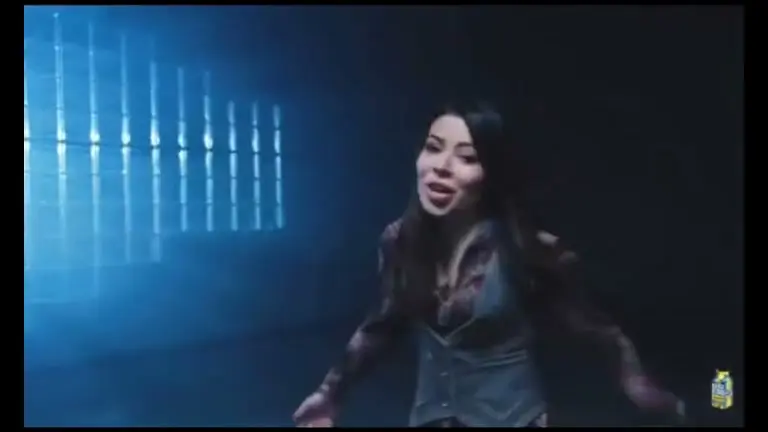
Bandit Juice WRLD AI
Take the opening verse or trade shots with a friend in the Bandit music video edit.
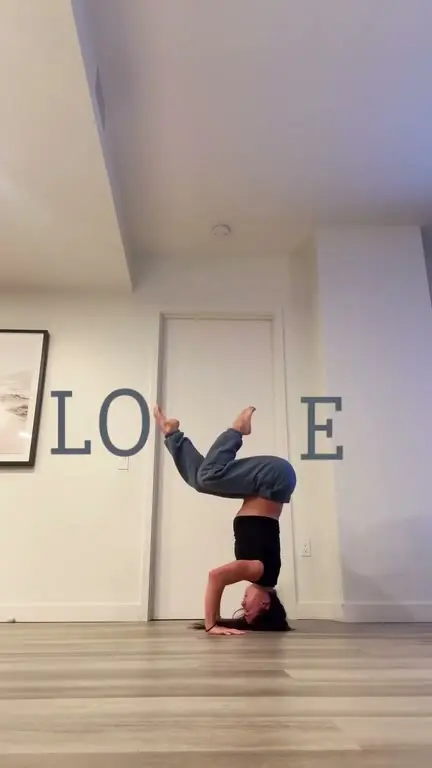
Love Handstand AI Video Generator
Bend your knees upside down and open your feet to supply the missing V in LOVE.
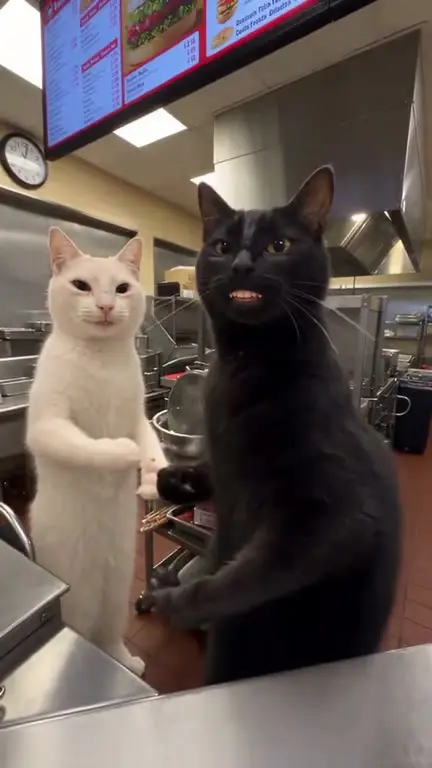
Waiting on My Fries AI Video Generator
One cat forgot the fries. The other buys time with a dance.