
Christmas PFP AI Generator
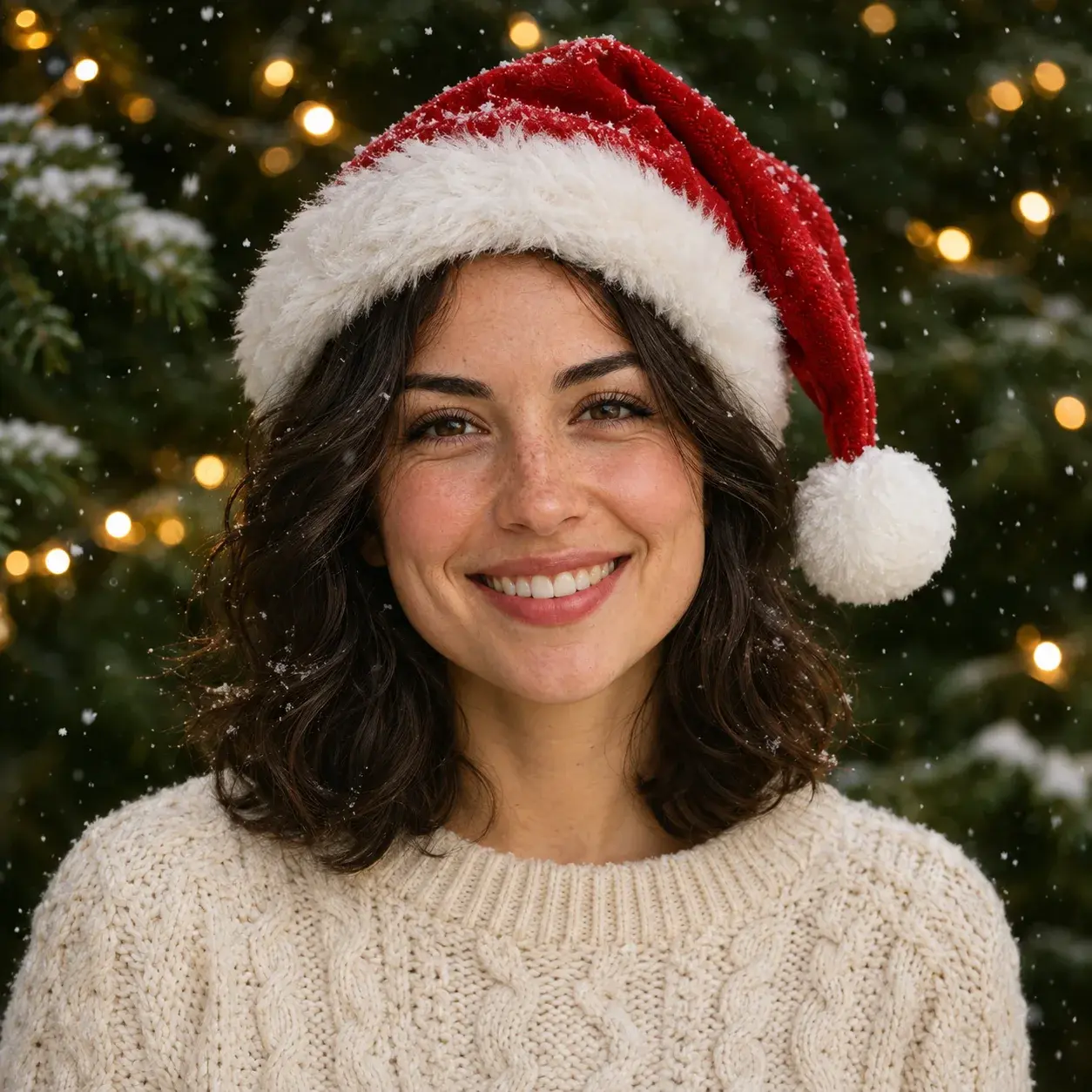
Create a Christmas PFP with AI from your photo. Add a Santa hat, soft snow and warm fairy lights in a square profile picture with space for a circular crop.
- 1 photo required
- 1K square preset
- 1 PNG image
- Circular-crop friendly
What is a Christmas PFP?
A Christmas PFP is a festive version of your profile picture: the same recognizable subject, a Santa hat and a warm seasonal background. This Christmas PFP AI template edits one uploaded photo into a square portrait with room for a circular avatar crop. It is designed for personal profiles, group chats and seasonal creator accounts. Start with your own portrait or a clear pet photo; you do not need a video or a second person’s picture.
How to use this photo template
- 01
Upload your image
Upload a clear PNG portrait of yourself, someone who agreed to the edit, or your pet. Keep the face unobstructed and leave room above the head.
- 02
Review credits & generate
Review the credit quote for one square 1K PNG and generate. Optionally edit the prompt for a different sweater or background.
- 03
Review & download
Download the PNG and preview a circular crop in your profile app. If the hat is too close to an edge, ask for more headroom and generate a revised version.
Which photo makes a better Christmas profile picture?
Choose a front-facing or slight three-quarter portrait in soft light. Keep the eyes, hairline and top of the head visible. A head-and-shoulders photo gives the edit enough context for a hat and winter background. Avoid sunglasses, a hood covering the forehead, beauty filters and a face that occupies the entire image. Small profile pictures need a clear expression more than a detailed background.
The same principle works for a Christmas pet PFP. Use one dog or cat with both ears in view and enough contrast between the animal and its surroundings. Ask the prompt to keep the fur pattern and muzzle shape instead of changing the species or giving it a new face. Upload a photo you own or have permission to edit; use an original image rather than a celebrity or copyrighted character.
How do you keep the Santa hat inside a round crop?
Most profile apps show a circle even when the uploaded file is square. A hat that fits the square can still lose its pompom at the top corner of that circle. The preset therefore asks for a centered head, visible hat and extra space above and beside the subject. Keep the face large enough to recognize while leaving the outer edges less important.
After downloading, preview the image in the actual app before saving the profile change. If the crop feels tight, request a slightly wider portrait with more headroom rather than stretching the image. The output remains a square PNG; it is not a transparent circular cutout. This gives you flexibility to use the same Christmas avatar on several services.
What Christmas PFP styles can you try?
The default is a natural portrait with a red Santa hat, cream-colored clothing where needed, deep green surroundings and warm fairy lights. For a quieter winter avatar, ask for fewer snowflakes and softer background lights. For a brighter holiday look, change the background to a softly lit Christmas tree while keeping the face and hat as the focal point.
A cartoon Christmas PFP is another option: replace “photorealistic” with a description of an original soft illustration, and keep the recognizable hair, glasses or pet markings. Do not ask for a named artist’s exact work or copy a protected character. Matching Christmas PFPs can be made as separate requests with the same colors and prompt; the preset does not automatically produce a coordinated pair or guarantee identical styling.
What should you review before using your new avatar?
Check whether you still recognize the subject, whether glasses and hair look natural, and whether the hat sits above the eyebrows. Inspect the eyes and mouth at full size before judging the thumbnail. If the model changes clothing you wanted to keep, add a clear instruction to preserve that item and remove unrelated styling requests.
Your generated image is private by default and can be downloaded from the result or My Creations. Publish only if you want it displayed publicly. The cover on this page is an original concept portrait of a fictional adult, not a real customer photo or a promise of an identical output. Results vary; a revised prompt is a new generation and receives its own quote.
Frequently asked questions
What does PFP mean?
PFP means profile picture: the small image shown beside your name on a social account, messaging app or community profile. A Christmas PFP adds seasonal details such as a Santa hat, fairy lights or snow.
Can I make a Christmas PFP for my dog or cat?
Yes. Use one clear pet photo with the head and ears visible. The prompt should preserve its fur markings and muzzle while adding a naturally positioned Santa hat and a softly blurred holiday background.
Is the output square or vertical?
This template produces one 1K square PNG, suitable for checking in a circular profile crop. Keep the face near the center and review the edges before sharing. It is a still image, not an animated avatar.
Can I make matching Christmas profile pictures?
Make one portrait per request and keep the same background, hat and color instructions for both. Each image is quoted separately. This preset accepts one reference photo, so it does not promise a synchronized two-person matching set.
Will the AI keep my face exactly the same?
The prompt asks to preserve the subject’s recognizable features and expression, but AI editing can still change details. Use a sharp source, avoid heavy filters and review the result before uploading it as your profile picture.
Is it free to preview the template?
Browsing the page and editing the prompt does not start generation. Creating an image uses the credits shown on the Generate button. A separate request, including a revised version, has its own quote.
Keep creating
View all templates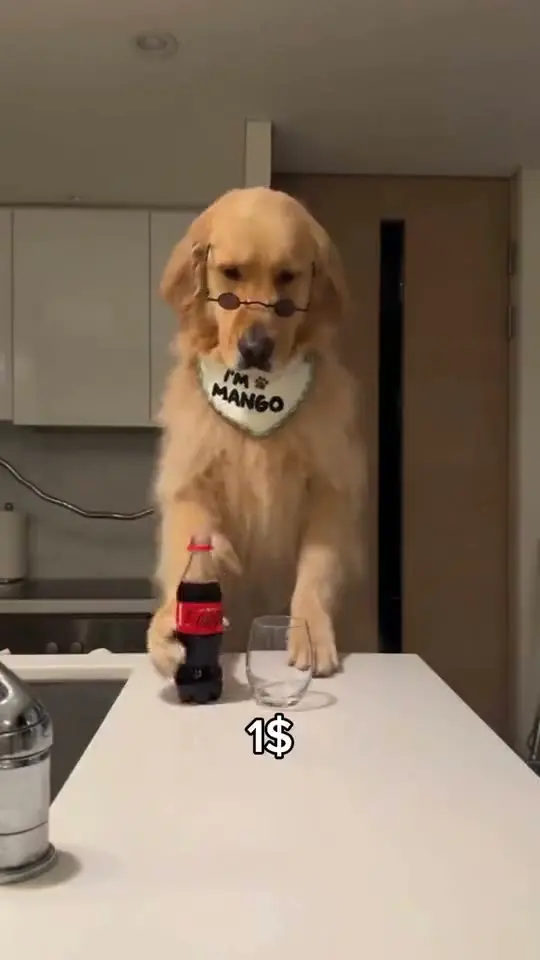
Pet Bartender AI Video Generator
Give your dog or cat a tiny bartender moment.
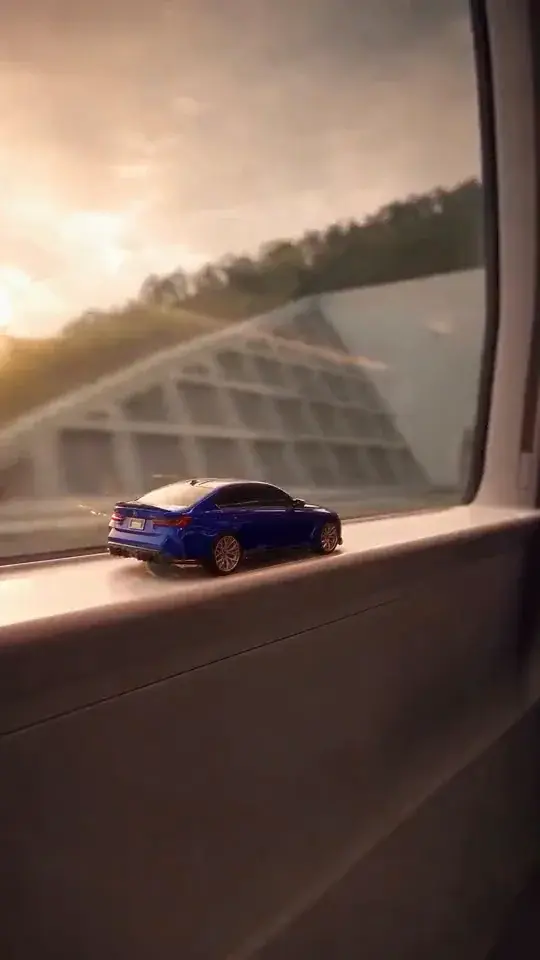
Toy Car to Real Car AI Video Generator
Turn a miniature on a train windowsill into a road reveal.
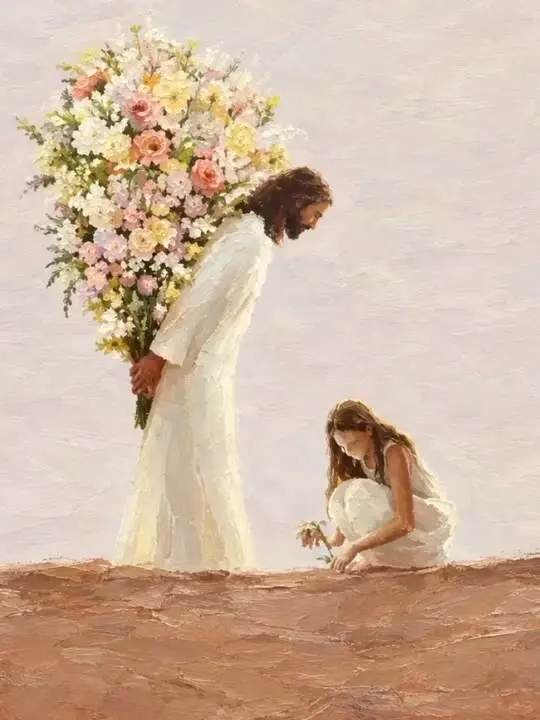
My Moon My Man AI Painting
Your portrait in the hidden-bouquet oil painting.
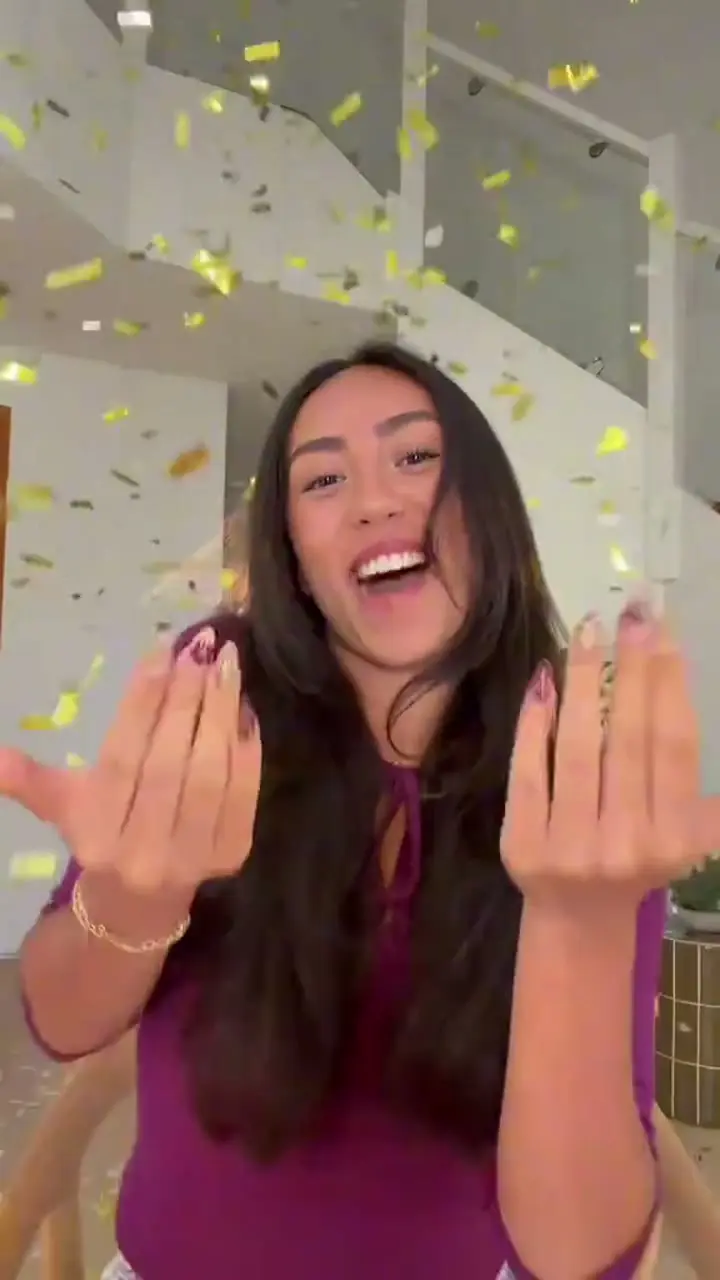
Boom Clap Confetti AI Video Generator
Hit the beat, flinch at the silver confetti, and laugh through the second burst.
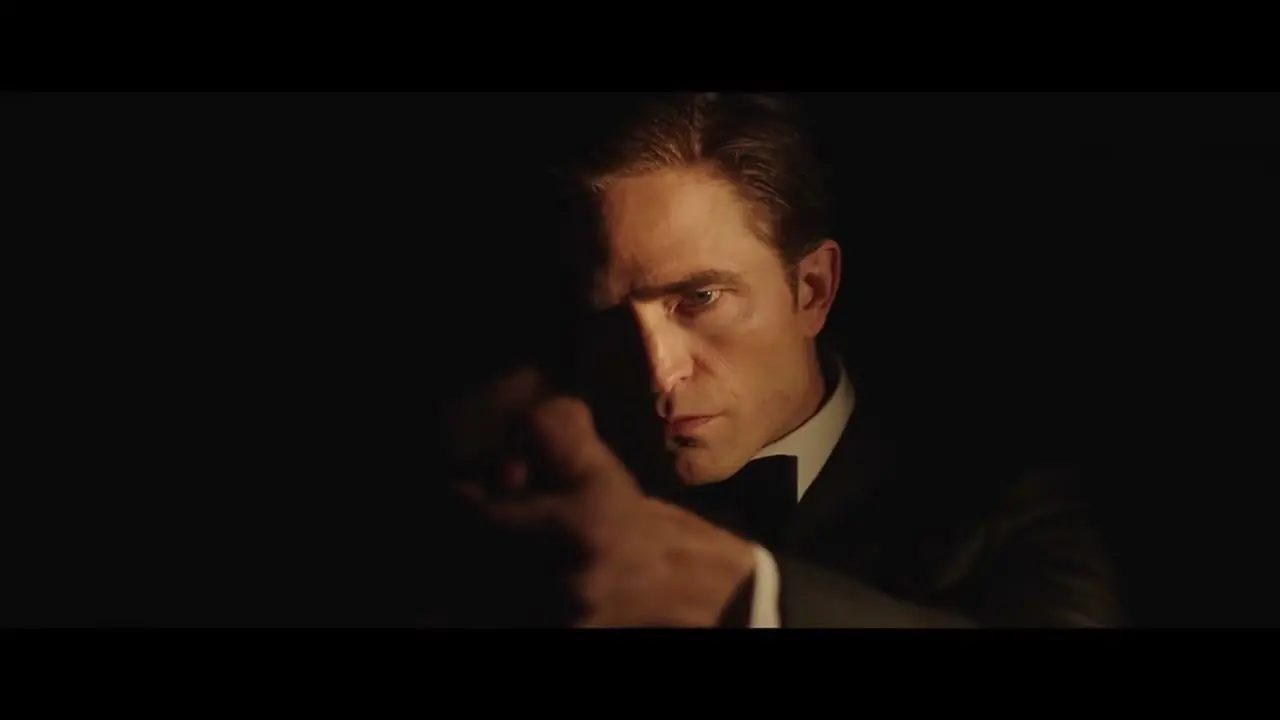
James Bond Reveal AI Video Generator
Let a narrow beam of light reveal your face in a black tuxedo.
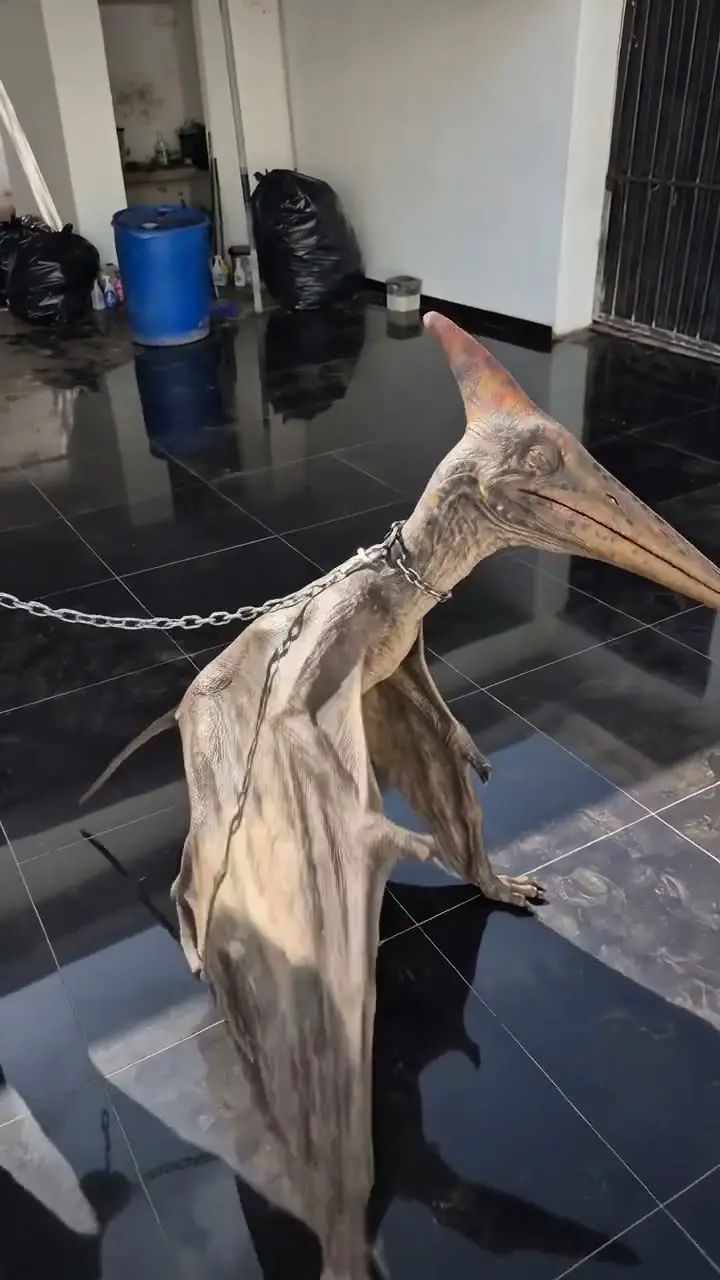
Mexico Pterodactyl AI Video Generator
Take a big, crested pterosaur for a surprisingly ordinary walk.
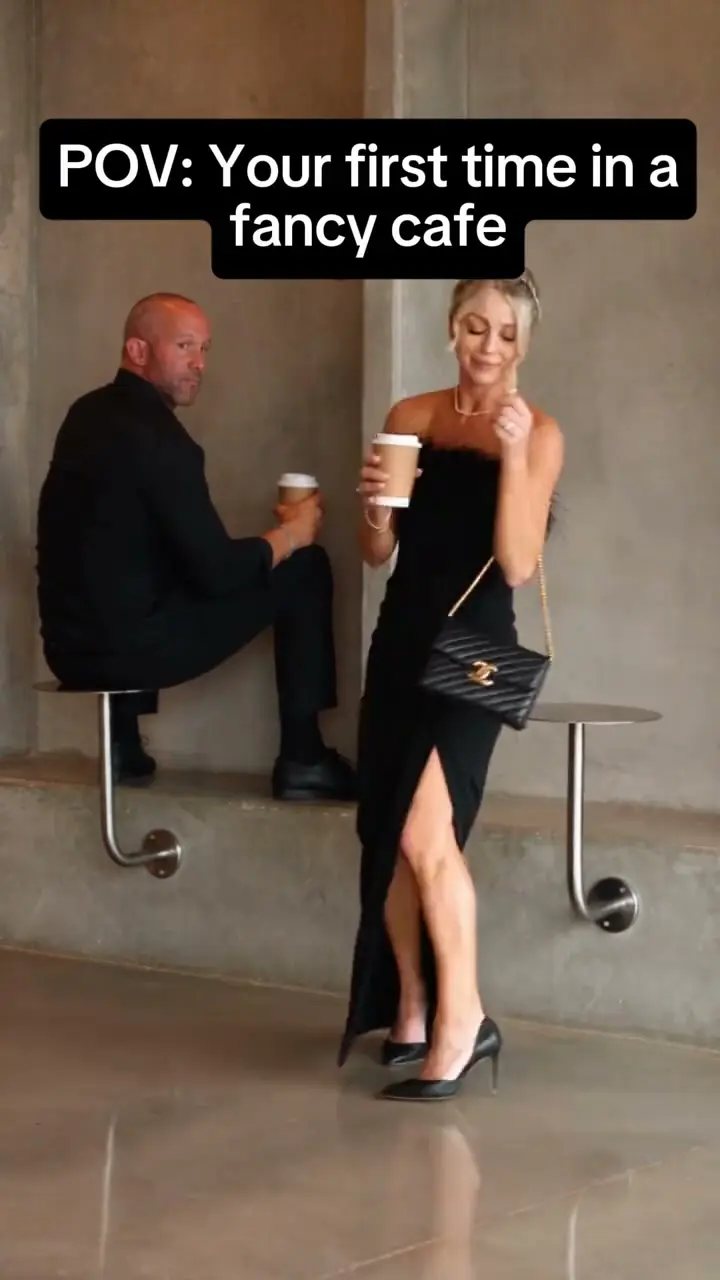
First Time in a Fancy Cafe AI Video Generator
Sip an espresso on the wrong piece of cafe furniture.
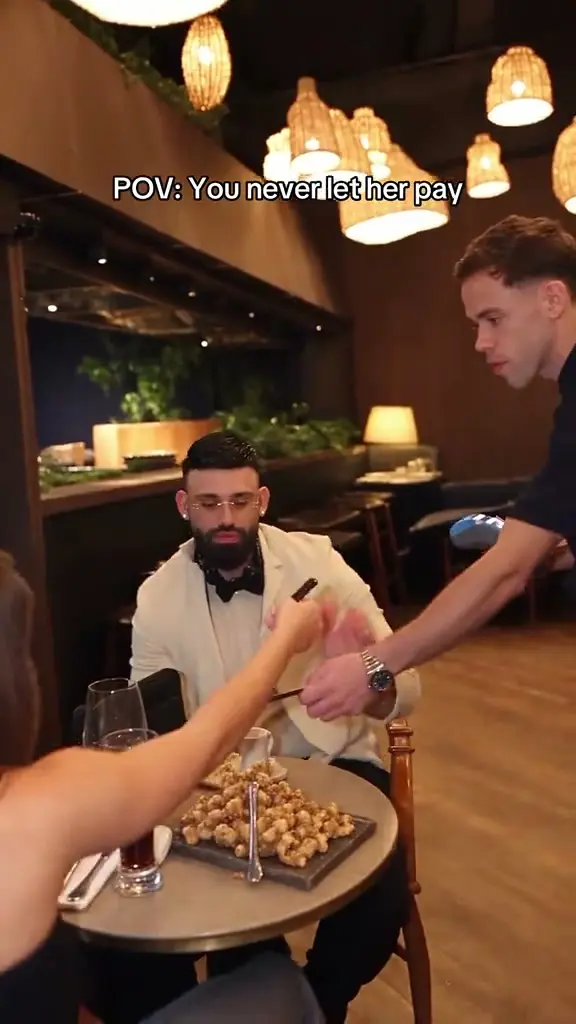
Never Let Her Pay AI Video Generator
Offer to pay for dinner with a dish sponge and follow the waiter into the kitchen.
Addicted Dance AI
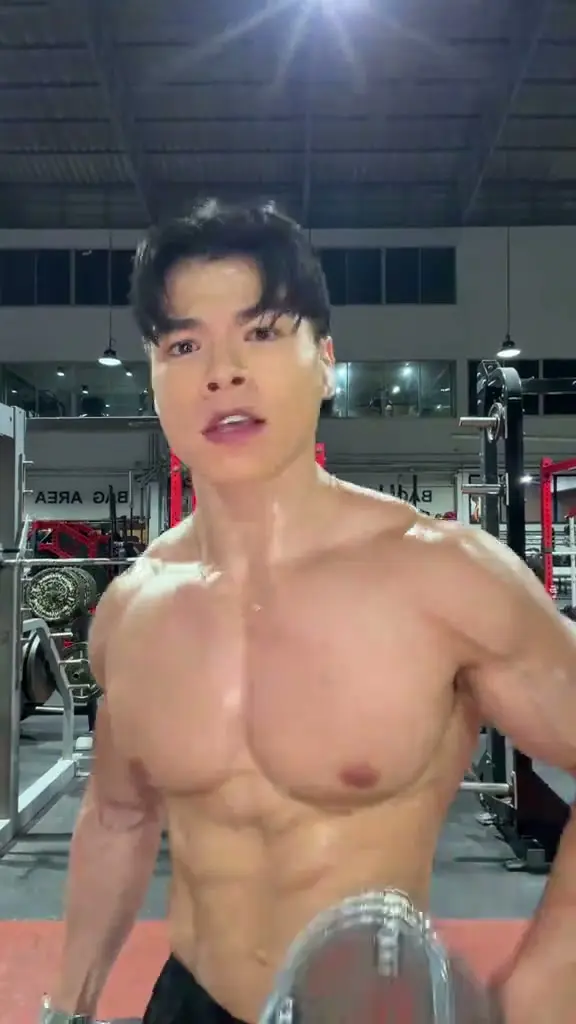
AI Huss Huss Huss
Take the dumbbells, turn on the breathy beat, then deliver the gym monologue to camera.
Bandit Juice WRLD AI
Take the opening verse or trade shots with a friend in the Bandit music video edit.
Love Handstand AI Video Generator
Bend your knees upside down and open your feet to supply the missing V in LOVE.
Waiting on My Fries AI Video Generator
One cat forgot the fries. The other buys time with a dance.